


Alienware Gaming Monitors
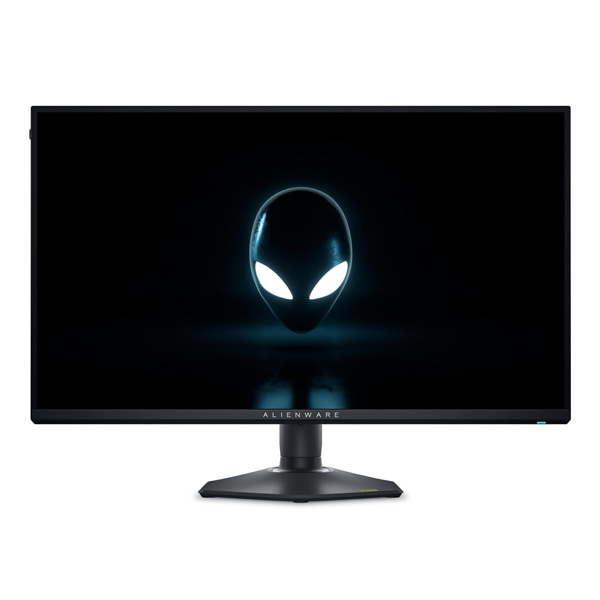
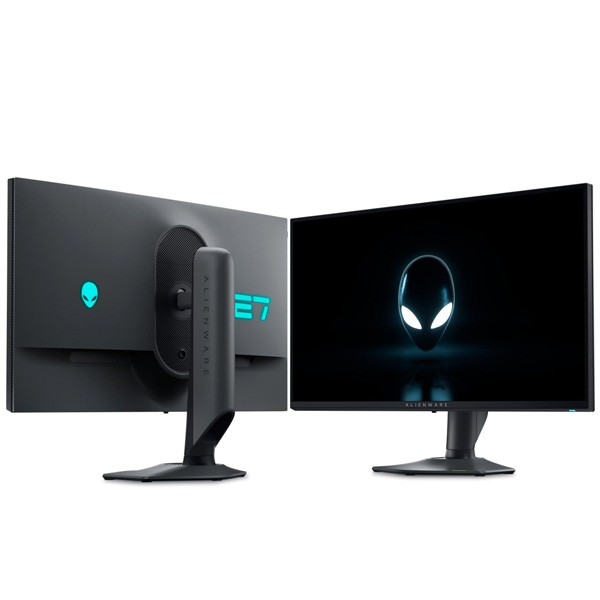
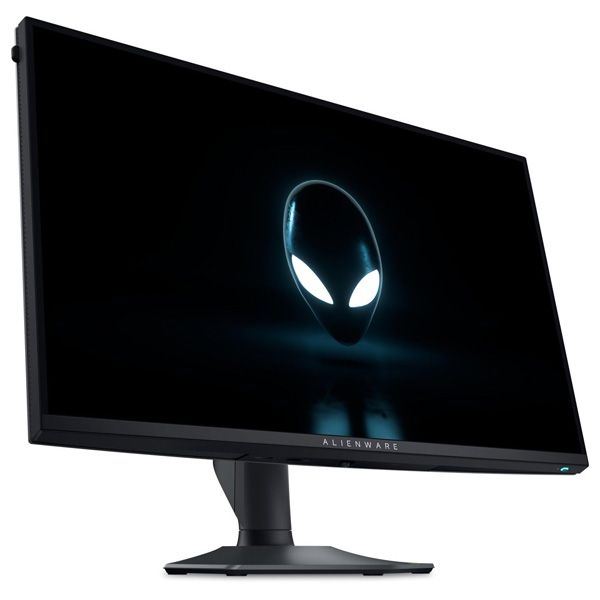
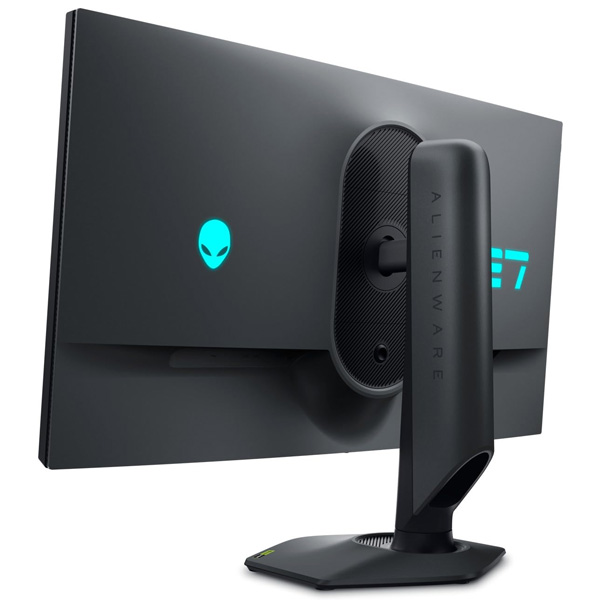
Dell Alienware AW2725QF 27-Inch 4K Dual-Resolution Gaming Monitor
Switch between breathtaking 4K detail at up to 180Hz and competitive Full HD gaming at up to 360Hz. The Alienware AW2725QF combines a fast IPS panel, vivid colours, HDR support and adaptive sync in one versatile gaming display.
Meet the Alienware AW2725QF
The Dell Alienware AW2725QF is a 27-inch gaming monitor designed for players who want both high-resolution visuals and exceptionally fast refresh rates. Its dual-resolution technology allows you to choose native 3840 × 2160 4K UHD mode at up to 180Hz or native 1920 × 1080 Full HD mode at up to 360Hz.
Choose 4K mode for detailed game worlds, sharper textures and immersive single-player experiences. Switch to Full HD mode when competitive play and maximum motion smoothness are your priority. This flexibility makes the AW2725QF suitable for a wide range of gaming genres without needing two separate monitors.
The Fast IPS panel offers 95% DCI-P3 colour coverage, support for 1.07 billion colours and a typical brightness of 400 cd/m². With NVIDIA G-SYNC Compatible and VESA AdaptiveSync support, the monitor is designed to deliver smooth visuals with compatible gaming systems.
Key Highlights
Dual-Resolution Technology
Choose 4K UHD at up to 180Hz or Full HD at up to 360Hz to suit different games and performance priorities.
Fast IPS Panel
Enjoy clear detail, consistent viewing angles and vibrant colour for gaming, entertainment and everyday computing.
Fast Pixel Response
A 0.5ms GTG response-time specification and a 1ms GTG Extreme mode help keep fast-moving action responsive.
HDR and Rich Colour
VESA DisplayHDR 600 support and 95% DCI-P3 coverage bring greater visual depth to compatible content.
Two Gaming Modes, One Monitor
The AW2725QF is built around two native display modes, giving you flexibility to prioritise image detail or refresh rate based on the game you play.
Visual Detail Mode
4K UHD · 180Hz
Play at 3840 × 2160 for detailed environments, sharp text and richly rendered visuals in compatible games.
Competitive Mode
Full HD · 360Hz
Switch to 1920 × 1080 for a higher refresh rate that suits esports and fast-paced competitive titles.
In the supported modes, the high refresh rate can make movement and tracking appear smoother when your PC produces enough frames per second. The 0.5ms GTG response-time specification and 1ms GTG Extreme mode further support responsive pixel transitions.
For the best experience, check the connection and graphics settings required for your selected mode. Dell advises switching the monitor's resolution mode before launching a game. Actual refresh rates may depend on the input, selected mode and connected hardware.
Sharp 4K Visuals and HDR
In 4K mode, the AW2725QF delivers 3840 × 2160 resolution across its 27-inch screen. The high pixel density helps produce fine details in games, films, photographs and desktop applications. Full HD mode offers a lower rendering resolution for games where high frame rates take priority.
The Fast IPS panel supports 95% DCI-P3 colour coverage and 1.07 billion colours. A typical brightness rating of 400 cd/m² supports clear everyday viewing, while HDR peak brightness is rated at up to 600 cd/m² under specified conditions.
VESA DisplayHDR 600 and Dolby Vision support help the monitor display compatible HDR content with a wider range of brightness and colour. The actual HDR experience depends on the content, software, input and selected settings.
The anti-glare screen surface helps manage reflections, while ComfortView Plus is designed to reduce blue-light emissions without relying solely on a software colour filter. Wide 178-degree horizontal and vertical viewing angles help maintain a consistent image when viewed off-centre.
Technical Specifications
Specifications are based on Dell's published product information. The highest refresh rates use the monitor's specified overclocked modes; supported rates vary by input and configuration. Confirm the local product listing for final details.
Who Should Choose the Alienware AW2725QF?
Competitive Esports
Use Full HD mode at up to 360Hz for responsive motion in shooters, esports and other fast-paced games.
Immersive Single-Player Games
Choose 4K UHD mode for detailed environments, sharper textures and richly rendered game worlds.
Multimedia and Streaming
4K resolution, HDR support and wide colour coverage suit compatible films, videos and entertainment content.
Flexible Gaming Setups
The dual-resolution design lets you prioritise image detail or refresh rate without changing monitors.
Before You Buy
- Choose the right mode: The monitor supports 4K at up to 180Hz and Full HD at up to 360Hz in its specified overclocked modes. These are alternative modes, not simultaneous resolutions.
- Check your graphics card: Running modern games at high frame rates in 4K can demand substantial GPU performance. Full HD mode can be a better fit for competitive frame rates.
- Check input limits: Dell lists HDMI 2.1 support up to 4K 165Hz and Full HD 330Hz, and DisplayPort 1.4 up to 4K 165Hz and Full HD 330Hz in the port specifications. The maximum advertised modes depend on the supported overclocked configuration and input.
- Switch modes before gaming: Dell recommends selecting the required resolution mode before launching the game for the intended experience.
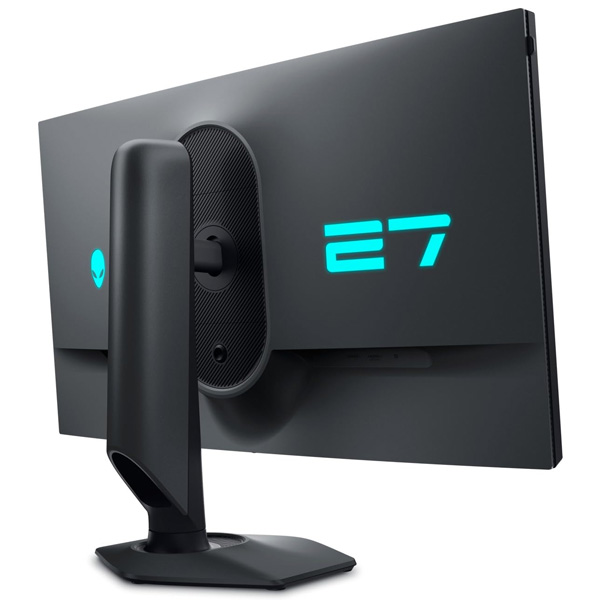
- Plan your desk and mounting: The adjustable stand supports height, tilt, swivel and pivot. A 100 × 100mm VESA-compatible mount is also supported.
- Confirm warranty and accessories: Package contents and warranty terms can differ by region. Check the local Clarion listing and Dell's regional terms before ordering.
Frequently Asked Questions
What is the maximum refresh rate of the Alienware AW2725QF?
The AW2725QF supports up to 180Hz in 4K UHD mode and up to 360Hz in Full HD mode using its specified overclocked settings. Supported refresh rates depend on the input, selected mode and connected hardware.
Can the AW2725QF run 4K and 360Hz at the same time?
No. The monitor uses two alternative native modes: 3840 × 2160 at up to 180Hz or 1920 × 1080 at up to 360Hz.
Does this monitor support NVIDIA G-SYNC?
Yes. Dell lists NVIDIA G-SYNC Compatible and VESA AdaptiveSync support to help reduce screen tearing with compatible systems.
Does the AW2725QF support HDR?
Yes. It supports VESA DisplayHDR 600 and Dolby Vision. HDR performance depends on the source content, connection and display settings.
Which ports are available on the AW2725QF?
The monitor includes two HDMI 2.1 ports, one DisplayPort 1.4, one USB Type-B upstream port, two USB Type-A downstream ports and one USB Type-C downstream port. One HDMI port supports eARC for compatible audio pass-through.
Can I mount the AW2725QF on a monitor arm?
Yes. The monitor supports a standard 100 × 100mm VESA mount. Check that your monitor arm can safely support the display's weight and dimensions.
Upgrade Your Gaming Setup with Clarion Computers
Enjoy the flexibility of 4K detail and ultra-high-refresh-rate Full HD gaming with the Alienware AW2725QF. Explore Clarion Computers for gaming monitors, components and computing essentials.
Shop at Clarion Computers