


Alienware Gaming Monitors
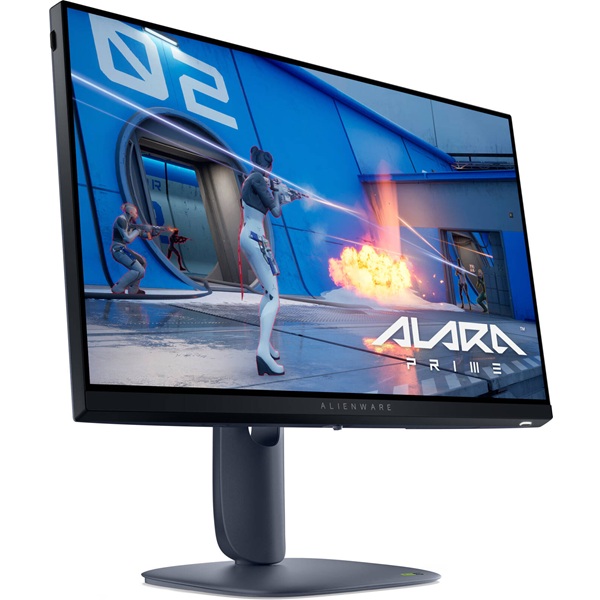
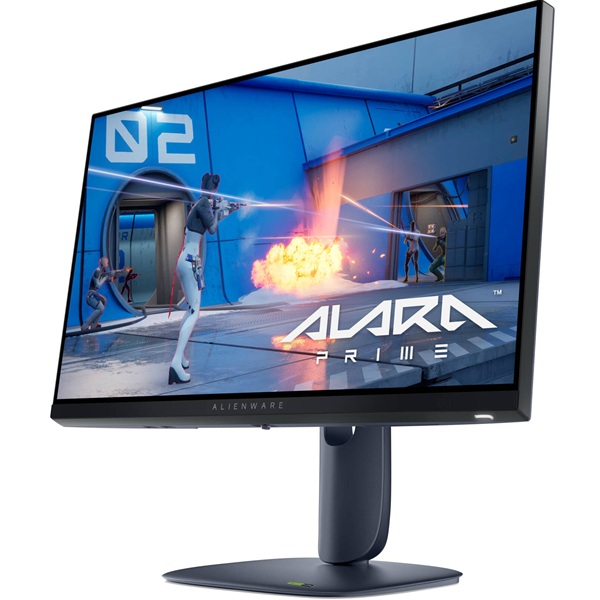
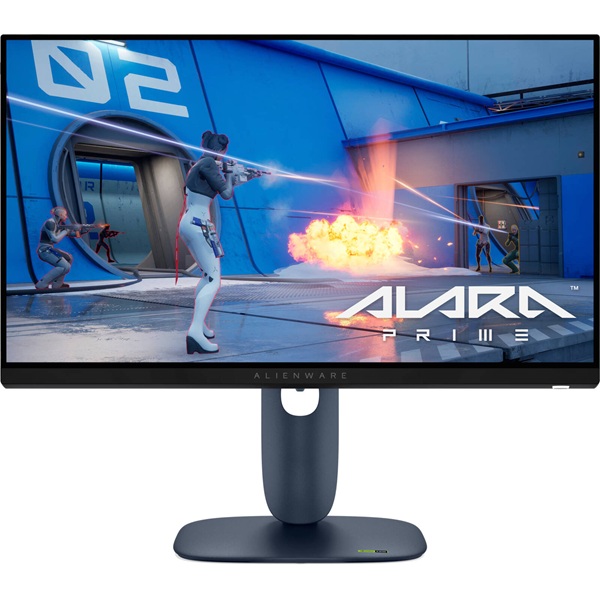
Dell Alienware AW2525HM 24.5-Inch 320Hz Gaming Monitor
Get an edge in fast-paced games with the Alienware AW2525HM. Its Full HD Fast IPS panel, ultra-high 320Hz refresh rate and up to 0.5ms GTG response time deliver responsive motion, clear visuals and vibrant colour for competitive gaming.
Meet the Alienware AW2525HM
The Dell Alienware AW2525HM is a 24.5-inch-class gaming monitor built for players who prioritise speed, responsiveness and smooth motion. Its 1920 × 1080 Full HD resolution pairs with a 320Hz refresh rate over DisplayPort, making it a compelling option for competitive games where fast visual updates are important.
The Fast IPS panel offers consistent viewing angles and 99% sRGB colour coverage, while its anti-glare surface helps manage reflections. With support for NVIDIA G-SYNC Compatible, AMD FreeSync Premium and VESA AdaptiveSync, the AW2525HM can deliver smoother gameplay with compatible graphics hardware.
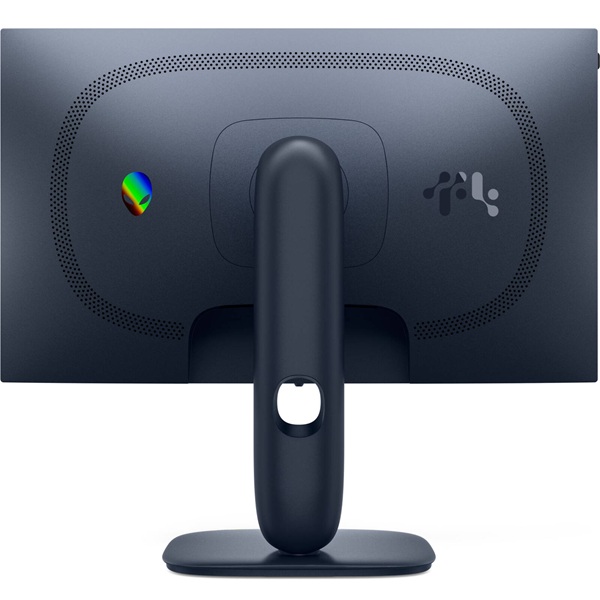
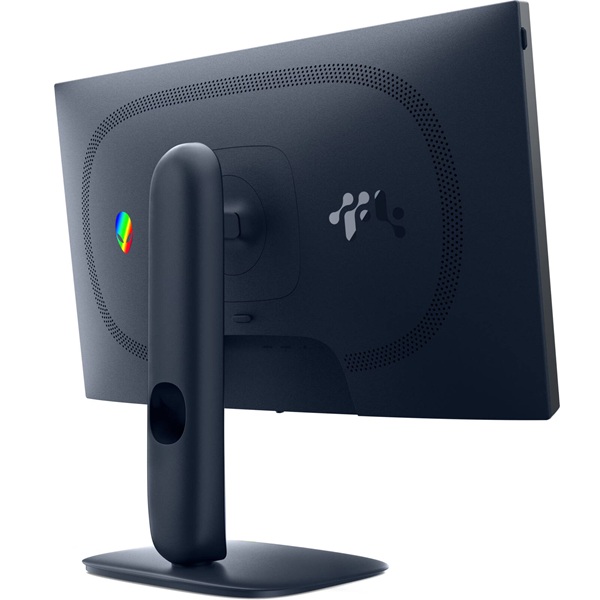
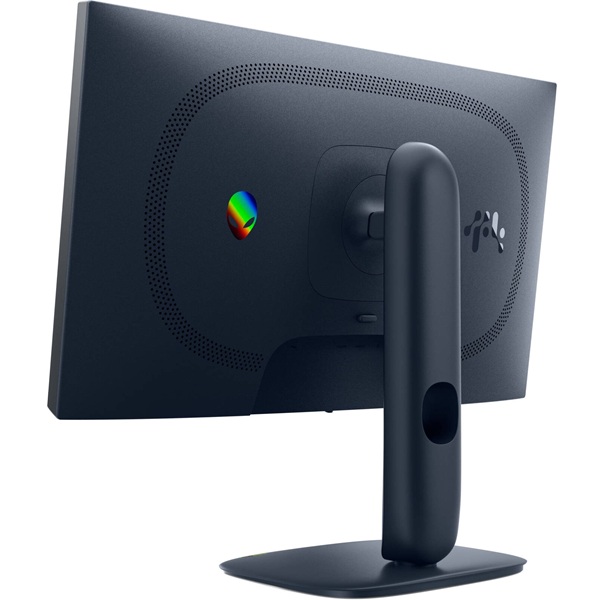
Practical gaming-focused details include a fully adjustable stand, a compact-footprint base, integrated cable management and a retractable headset hanger. The result is a monitor designed to fit comfortably into a dedicated gaming setup.
Key Highlights
320Hz Refresh Rate
Experience exceptionally fluid motion in compatible games when your PC can deliver the required frame rates.
Fast IPS Panel
Enjoy Full HD clarity, consistent viewing angles and vibrant colours across a wide range of gaming and everyday content.
Up to 0.5ms GTG
The fastest listed response-time mode helps minimise pixel-transition blur during quick on-screen action.
Adaptive Sync
NVIDIA G-SYNC Compatible, AMD FreeSync Premium and VESA AdaptiveSync support helps reduce tearing with compatible systems.
Built for High-Speed Competitive Gaming
With a refresh rate of up to 320Hz, the Alienware AW2525HM refreshes the image far more frequently than a conventional 60Hz monitor. This can make fast camera movements, tracking and rapid on-screen action appear smoother when paired with a system capable of producing high frame rates.
The monitor supports up to 320Hz at 1920 × 1080 through DisplayPort 1.4. HDMI connections support Full HD at up to 255Hz according to Dell's published specifications, so the connection you choose matters if you want the highest refresh rate available.
The listed 0.5ms GTG response-time mode complements the high refresh rate by helping pixels transition quickly. Actual response behaviour depends on the selected monitor mode and operating conditions, while overall smoothness also depends on your PC's performance and game settings.
Variable refresh-rate technologies can synchronise the display with compatible graphics hardware to help reduce screen tearing and stutter. This is particularly useful when frame rates vary during demanding gameplay.
Full HD Fast IPS Visuals
The 24.5-inch viewable Fast IPS panel has a native resolution of 1920 × 1080 and a 16:9 aspect ratio. Full HD is well suited to competitive gaming, where maintaining high frame rates can be more important than using a higher display resolution.
Dell specifies 99% sRGB colour coverage and support for 16.7 million colours, providing vivid colour for games, streaming and daily computing. The 178-degree horizontal and vertical viewing angles help maintain a consistent image when viewed away from the centre of the screen.
The display has a typical brightness rating of 400 cd/m² and a native contrast ratio of 1,000:1. Its anti-glare treatment helps reduce distracting reflections in a range of room lighting conditions.
ComfortView Plus is a hardware-based low-blue-light solution designed to improve viewing comfort while helping preserve colour appearance. The monitor also supports HDR signal input as specified by Dell; it is not marketed as a VESA DisplayHDR-certified model.
Technical Specifications
Specifications are based on Dell's published product information and may vary by region or product configuration. Confirm the local product listing before purchase.
Who Should Choose the Alienware AW2525HM?
Competitive Esports
The 320Hz DisplayPort refresh rate and fast response-time modes suit players who prioritise rapid visual updates in shooters and esports titles.
Fast-Paced Gaming
Fast IPS technology and adaptive-sync support help deliver smooth action and consistent viewing angles during intense gameplay.
Compact Gaming Desks
The 24.5-inch display and compact-footprint base make it easier to organise a dedicated gaming space.
Everyday Computing
Full HD resolution, 99% sRGB coverage and adjustable positioning suit everyday desktop work, streaming and general entertainment.
Before You Buy
- Use DisplayPort for 320Hz: Dell specifies up to 320Hz at Full HD through DisplayPort 1.4. HDMI supports up to 255Hz at Full HD on this model.
- Check your PC's performance: To benefit from a 320Hz refresh rate, your graphics hardware and games need to produce sufficiently high frame rates.
- Choose your response-time mode: The 0.5ms GTG figure refers to a specified response-time mode; performance can differ with monitor settings and operating conditions.
- Plan your mounting setup: The stand supports height, tilt, swivel and pivot adjustments, and the monitor also supports 100 × 100mm VESA mounting.
- Check included cables and local warranty: Dell lists DisplayPort, HDMI and USB Type-A-to-Type-B cables in the package, but confirm the supplied accessories and warranty for your region.
Frequently Asked Questions
What is the maximum refresh rate of the Alienware AW2525HM?
The AW2525HM supports up to 320Hz at 1920 × 1080 through DisplayPort 1.4. Dell specifies up to 255Hz at Full HD through HDMI.
What is the response time of this monitor?
Dell lists 0.5ms GTG and 1ms GTG response-time modes. The fastest figure applies to a specified mode and actual performance can vary with settings.
Does the AW2525HM support NVIDIA G-SYNC?
Yes. Dell lists NVIDIA G-SYNC Compatible, AMD FreeSync Premium and VESA AdaptiveSync support for compatible configurations.
Is the Alienware AW2525HM an OLED monitor?
No. The AW2525HM uses a Fast IPS panel with LED edgelight backlighting. It is designed around high refresh rate gaming rather than OLED panel technology.
Which connectivity options are available?
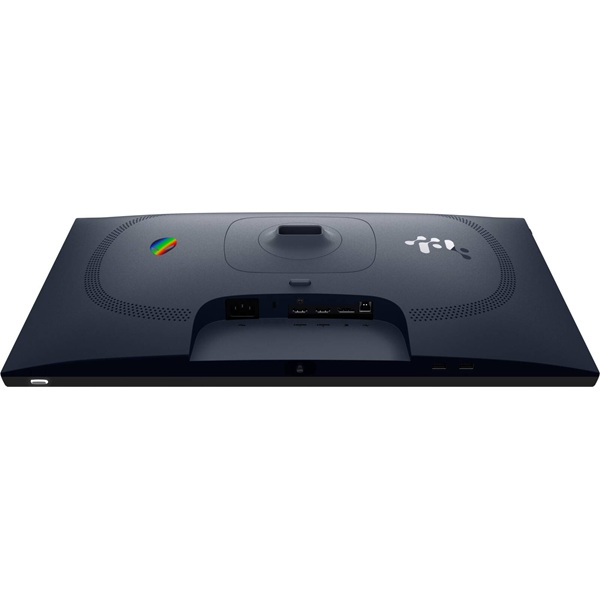
The monitor includes two HDMI 2.1 ports, one DisplayPort 1.4, one USB 5Gbps Type-B upstream port and two USB 5Gbps Type-A downstream ports. One downstream USB port supports BC1.2 charging.
Can I mount the AW2525HM on a monitor arm?
Yes. The AW2525HM supports a standard 100 × 100mm VESA mount. Make sure your monitor arm can support the display's weight and mounting requirements.
Upgrade Your Gaming Setup with Clarion Computers
Take your competitive gaming setup to the next level with the Alienware AW2525HM. Explore Clarion Computers for gaming monitors, components and computing essentials.
Shop at Clarion Computers