
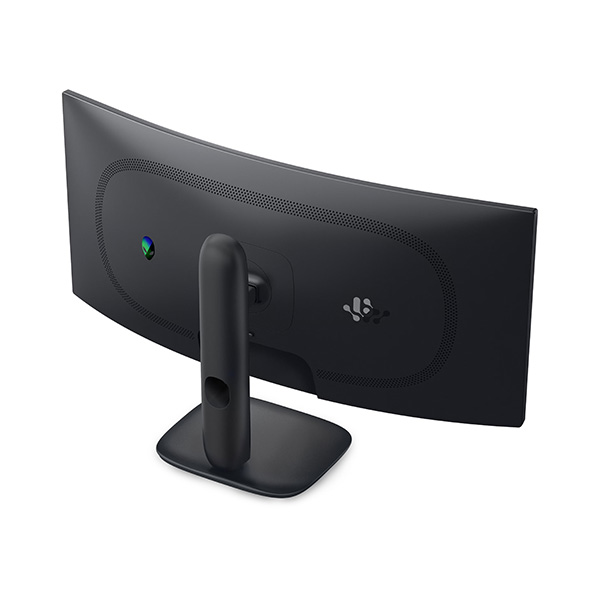


ALIENWARE ULTRAWIDE GAMING MONITOR
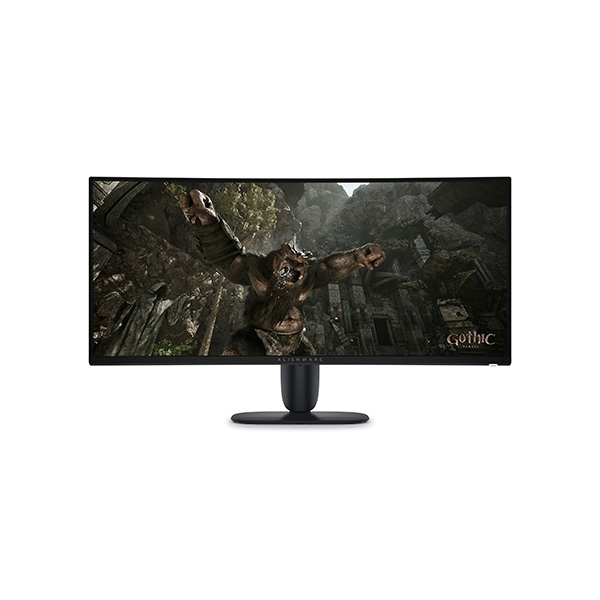
Alienware AW3426DWM 34-Inch WQHD 240Hz Curved Gaming Monitor
Immerse yourself in expansive ultrawide gaming with a 1500R curved display, smooth 240Hz performance, and vibrant VA panel visuals.
Meet the Alienware AW3426DWM
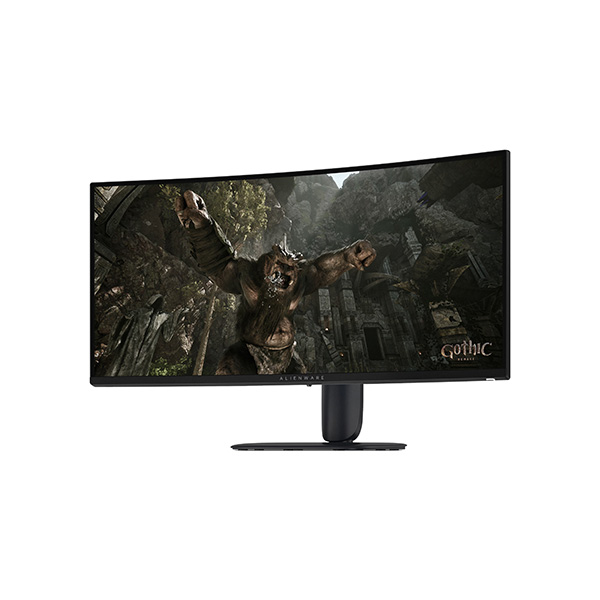
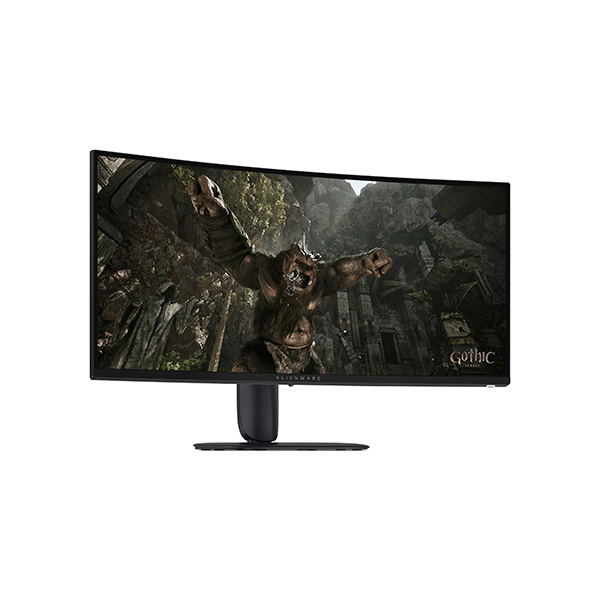
The Alienware AW3426DWM 34-inch curved gaming monitor brings immersive ultrawide gaming to your desktop with its 3440 × 1440 WQHD resolution and expansive 21:9 aspect ratio. The 1500R curve wraps the display around your field of view, making it a great fit for racing games, open-world adventures, simulation titles, and cinematic entertainment.
A 240Hz refresh rate and response-time settings as low as 1ms GTG in Extreme mode deliver responsive gaming when paired with compatible hardware. The VA panel provides a 3000:1 native contrast ratio, 95% DCI-P3 colour coverage, and support for 1.07 billion colours. AMD FreeSync Premium, VESA AdaptiveSync, Dolby Vision HDR, and VESA DisplayHDR 400 round out the experience.
Key Highlights
34-Inch Ultrawide Display
The 21:9 screen provides a wider field of view and additional horizontal workspace for supported games and everyday multitasking.
240Hz Gaming
A high refresh rate keeps motion fluid and responsive in compatible fast-paced games.
1500R Curvature
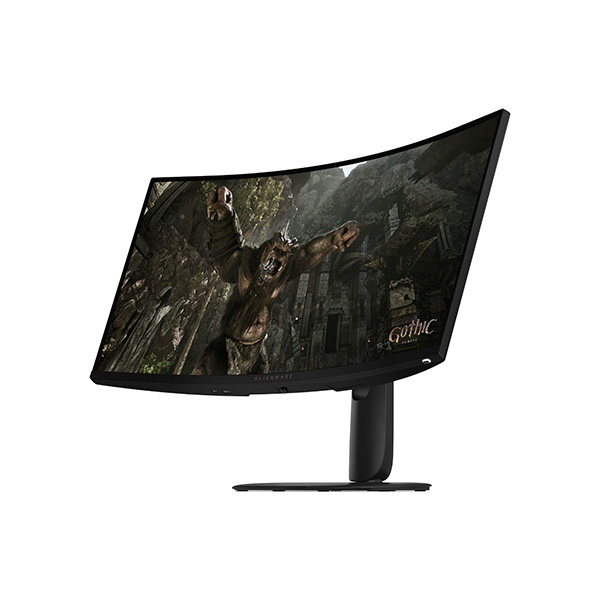
The curved panel helps create a more enveloping view for immersive gaming and entertainment.
High Contrast and Colour
A 3000:1 native contrast ratio and 95% DCI-P3 colour coverage support rich scenes and vibrant visuals.
Smooth, Responsive Gaming Performance
The AW3426DWM combines a 240Hz refresh rate with three response-time modes: 1ms GTG in Extreme mode, 2ms GTG in Super Fast mode, and 4ms GTG in Fast mode. These options let you select the response setting that best suits your preferred gaming experience.
AMD FreeSync Premium and VESA AdaptiveSync help synchronise the display's refresh behaviour with compatible graphics hardware, reducing distracting screen tearing and stutter. The 3440 × 1440 resolution also gives supported games a broad, detailed view of their environments.
Immersive Curved VA Display
Ultrawide WQHD Resolution
The 3440 × 1440 resolution and 21:9 aspect ratio deliver a panoramic view and extra horizontal room for supported applications.
Rich Contrast and Colour
The VA panel's 3000:1 native contrast ratio and 95% DCI-P3 colour coverage help produce deeper-looking dark scenes and vibrant imagery.
HDR Entertainment
Dolby Vision HDR and VESA DisplayHDR 400 support compatible content with enhanced brightness and colour presentation.
Technical Specifications
| Display | |
|---|---|
| Product Model | Alienware AW3426DWM |
| Screen Size | 34 inches (86.36 cm) |
| Panel Technology | Vertical Alignment (VA) |
| Screen Type | Curved, anti-glare |
| Resolution | 3440 × 1440 (WQHD / UW-QHD) |
| Aspect Ratio | 21:9 |
| Curvature | 1500R |
| Refresh Rate | Up to 240Hz |
| Response Time | 1ms GTG Extreme / 2ms GTG Super Fast / 4ms GTG Fast |
| Colour Support | 1.07 billion colours; 10-bit (8-bit + FRC) |
| Colour Gamut | 95% DCI-P3 (CIE 1976) |
| Brightness | 400 cd/m² typical; 450 cd/m² peak |
| Native Contrast Ratio | 3000:1 |
| Pixel Density | 110 PPI |
| Pixel Pitch | Approx. 0.232mm |
| Viewing Angles | 178° horizontal / 178° vertical (listed specification) |
| HDR Support | Dolby Vision HDR, VESA DisplayHDR 400 |
| Surface Treatment | Anti-glare, 3H hardness |
| Gaming Features | |
| Adaptive Sync | AMD FreeSync Premium, VESA AdaptiveSync |
| Picture Modes | Picture-in-Picture (PiP), Picture-by-Picture (PbP) |
| Eye Comfort | Low blue light, flicker-free technology |
| Connectivity | |
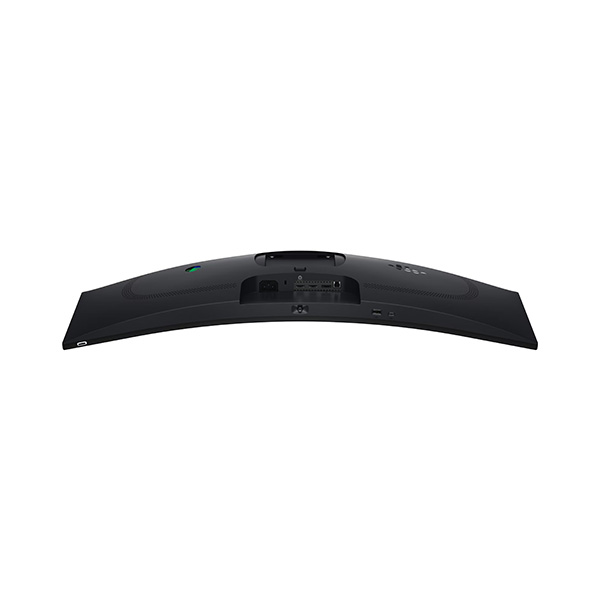
| HDMI | 2 × HDMI 2.1 |
| DisplayPort | 1 × DisplayPort 1.4 |
| USB Upstream | 1 × USB 5Gbps Type-B upstream port |
| USB-A Downstream | 1 × USB 5Gbps Type-A downstream port |
| USB-C Downstream | 1 × USB-C 5Gbps downstream port, up to 15W charging |
| Audio Line Out | No dedicated audio line-out listed |
| Ergonomics and Mounting | |
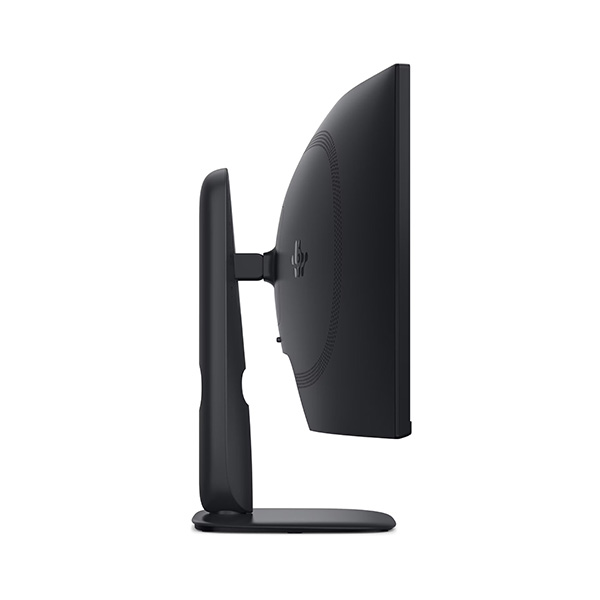
| Stand Adjustments | Height, tilt and pivot |
| Height Adjustment | Up to 110mm |
| Tilt | -5° to +21° |
| Pivot | ±5° as listed by Dell |
| VESA Mount | 100 × 100mm |
| Dimensions, Power and Warranty | |
| Dimensions Without Stand (H × W × D) | 360.85 × 805.45 × 132.46mm |
| Dimensions With Stand (H × W × D) | 444.69–554.69 × 805.45 × 232mm |
| Weight Without Stand | Approx. 6.80kg |
| Weight With Stand and Cables | Approx. 9.76kg |
| Power Input | 100–240V AC, 50/60Hz |
| Typical Power Consumption | 32W |
| Warranty (India Listing) | 3-year limited warranty with Advanced Exchange Service |
Specifications are based on Dell India's AW3426DWM listing and may vary by region or product revision. Check the official product documentation for the maximum refresh rate supported by each input and the exact operating modes available.
Ideal Use Cases
Immersive Gaming
The 34-inch curved ultrawide screen creates a panoramic view for supported open-world games, adventures, and cinematic titles.
Racing and Simulation
The 21:9 aspect ratio and 1500R curve offer an expansive cockpit-like view in compatible racing and simulation games.
Multitasking and Media
The extra horizontal workspace is useful for side-by-side windows, compatible ultrawide content, and everyday productivity.
Before You Buy
- Check graphics performance: Driving 3440 × 1440 at high frame rates requires a compatible graphics card, especially in demanding games.
- Confirm game compatibility: Not every game supports the 21:9 ultrawide aspect ratio equally; some titles may show side bars or use a different field of view.
- Choose the correct connection: The monitor offers two HDMI 2.1 ports and one DisplayPort 1.4 port. Confirm your preferred refresh-rate mode against the official input specifications.
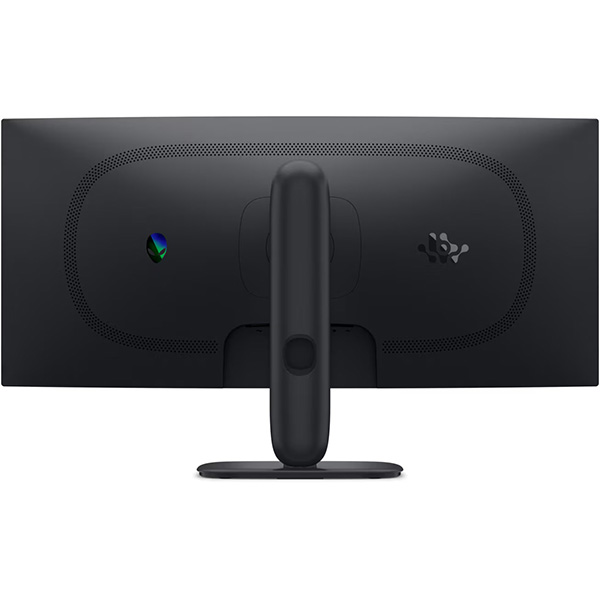
- Measure your desk: The monitor is approximately 80.5cm wide with a curved panel. Allow enough space for the stand, screen depth, and viewing distance.
- Check the USB hub requirements: The monitor includes USB Type-B upstream, USB-A downstream, and USB-C downstream connectivity. The USB-C port supports up to 15W charging, not high-power laptop charging.
- Review warranty terms: Confirm the local warranty and Advanced Exchange Service terms applicable to your purchase.
Frequently Asked Questions
What is the resolution of the Alienware AW3426DWM?
The AW3426DWM has a 3440 × 1440 WQHD ultrawide resolution with a 21:9 aspect ratio.
Does the AW3426DWM support 240Hz gaming?
Yes. Dell lists a maximum refresh rate of 240Hz. The actual mode available depends on the input connection, graphics hardware, cable, and settings.
Is the Alienware AW3426DWM an OLED monitor?
No. The AW3426DWM uses a VA LCD panel. Its 3000:1 native contrast ratio and 95% DCI-P3 colour coverage support rich colours and contrast.
What is the benefit of the 1500R curve?
The 1500R curve helps create a more enveloping viewing experience across the wide 34-inch screen, particularly in supported games and cinematic content.
Which adaptive-sync technologies are supported?
The monitor supports AMD FreeSync Premium and VESA AdaptiveSync to help reduce screen tearing and stutter with compatible graphics hardware.
Does the monitor support HDR?
Yes. Dell lists Dolby Vision HDR and VESA DisplayHDR 400 support for compatible content.
Can I connect peripherals through the monitor?
Yes. The AW3426DWM includes a USB Type-B upstream port, a USB-A downstream port, and a USB-C downstream port with up to 15W charging.
What warranty is listed for the AW3426DWM in India?
Dell India's listing specifies a 3-year limited warranty with Advanced Exchange Service. Check the terms applicable to your specific purchase.
Upgrade Your Gaming Setup with Clarion Computers
Explore gaming monitors and PC components at Clarion Computers and build a setup tailored to your performance goals.
Shop at Clarion Computers