


Alienware Gaming Monitors
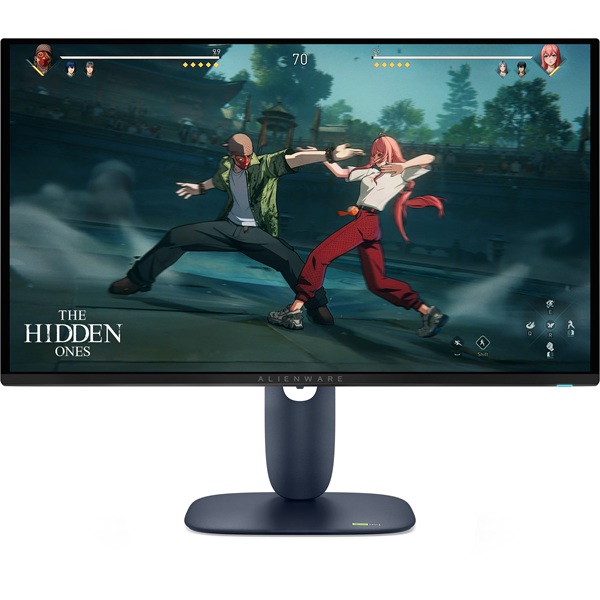
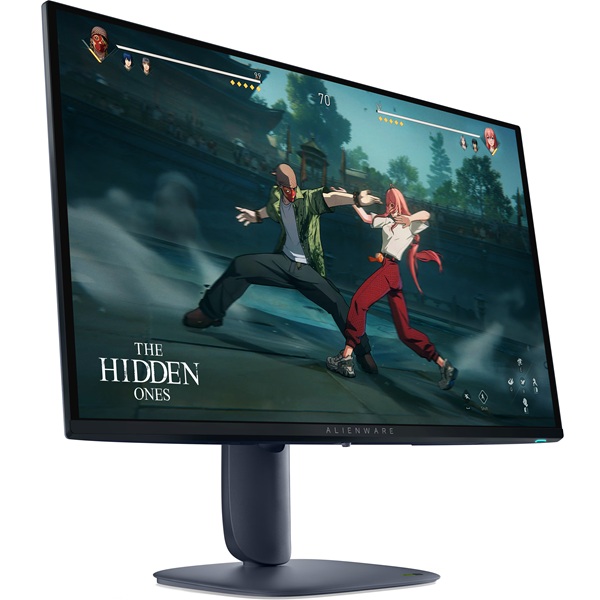
Alienware AW2725D 27-Inch 280Hz QD-OLED Gaming Monitor
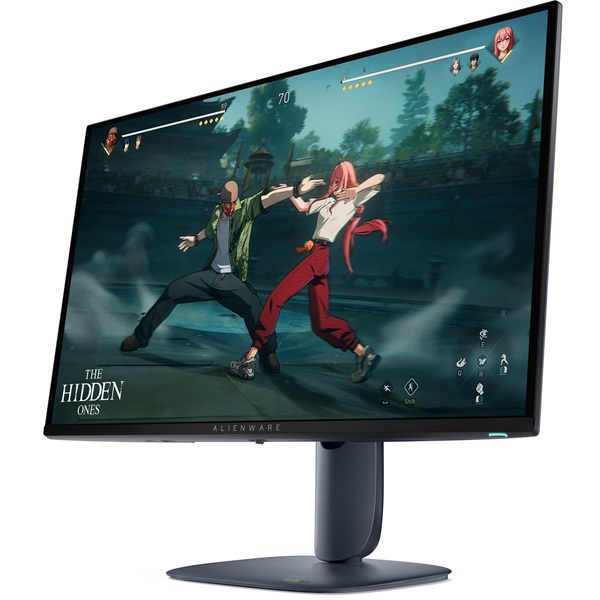
Experience incredibly smooth gameplay, vivid QD-OLED visuals and ultra-fast response with the Alienware AW2725D. Its QHD resolution, 280Hz refresh rate and 0.03ms response time make it an outstanding choice for competitive gaming and immersive entertainment.
Meet the Alienware AW2725D
The Alienware AW2725D is a 27-inch-class gaming monitor designed for players who want high refresh rates without sacrificing image quality. Its 26.7-inch viewable Quantum Dot OLED panel combines a 2560 × 1440 QHD resolution with a fast 280Hz refresh rate, delivering detailed visuals and fluid motion for fast-paced games.
QD-OLED technology brings deep blacks, high contrast and rich colours, while a 0.03ms grey-to-grey response time helps keep motion sharp and responsive. With support for NVIDIA G-SYNC Compatible, AMD FreeSync Premium Pro and VESA AdaptiveSync, the AW2725D is built to deliver a smooth gaming experience with compatible systems.
Key Highlights
27-Inch-Class QHD
A 2560 × 1440 resolution delivers crisp detail for gaming, everyday computing and entertainment.
280Hz Refresh Rate
Enjoy fluid motion and responsive gameplay in fast-paced competitive titles when your hardware supports high frame rates.
0.03ms GTG Response
A very fast grey-to-grey response specification helps minimise visible pixel-transition blur.
Quantum Dot OLED
OLED contrast and a wide colour gamut bring depth, vibrancy and visual impact to compatible content.
High-Speed Gaming Performance
The AW2725D is designed for competitive players who value quick reactions and consistent motion clarity. Its 280Hz refresh rate can display up to 280 refreshes per second, provided the graphics card, connection and game output support the required settings.
The 0.03ms GTG response-time specification complements the high refresh rate by helping pixels transition quickly. Together, these characteristics are particularly useful in fast shooters, racing games, esports titles and other games where tracking moving targets matters.
Variable refresh-rate support helps synchronise the monitor with compatible graphics hardware. NVIDIA G-SYNC Compatible, AMD FreeSync Premium Pro and VESA AdaptiveSync support can help reduce screen tearing and stuttering when configured appropriately.
QD-OLED Visuals and HDR
The Quantum Dot OLED panel combines the contrast characteristics of OLED with quantum-dot colour technology. With a stated 99.3% DCI-P3 colour gamut and support for 1.07 billion colours, the AW2725D is suited to vibrant games, films and colour-rich visual content.
VESA DisplayHDR True Black 400 support is designed to improve the presentation of compatible HDR content, with deep blacks and bright highlights. Dell lists typical brightness of 250 cd/m² and peak brightness up to 1000 cd/m² under specified conditions; peak brightness is not the same as full-screen sustained brightness.
The anti-reflective screen surface helps manage reflections, while Picture-in-Picture and Picture-by-Picture functions provide options for viewing multiple supported sources. Actual HDR performance and available display modes depend on the content and connected device.
Technical Specifications
Specifications are based on Dell's published product information and may vary by region, product revision or supplied configuration. Check the local product listing for final details.
Who Should Choose the Alienware AW2725D?
Competitive Gaming
The 280Hz refresh rate and 0.03ms GTG response specification suit players seeking responsive motion in esports and fast-action games.
Immersive Gaming
QD-OLED contrast, QHD detail and HDR support help compatible games deliver rich colour and atmospheric visuals.
Entertainment and Everyday Use
The sharp QHD panel and wide colour gamut make the monitor suitable for streaming, general computing and visual content.
Multi-Device Setups
HDMI, DisplayPort, USB connectivity and PiP/PbP functions provide flexibility for compatible computers and other video sources.
Before You Buy
- Check your graphics performance: Achieving 280Hz at QHD depends on your PC, graphics card, game and settings.
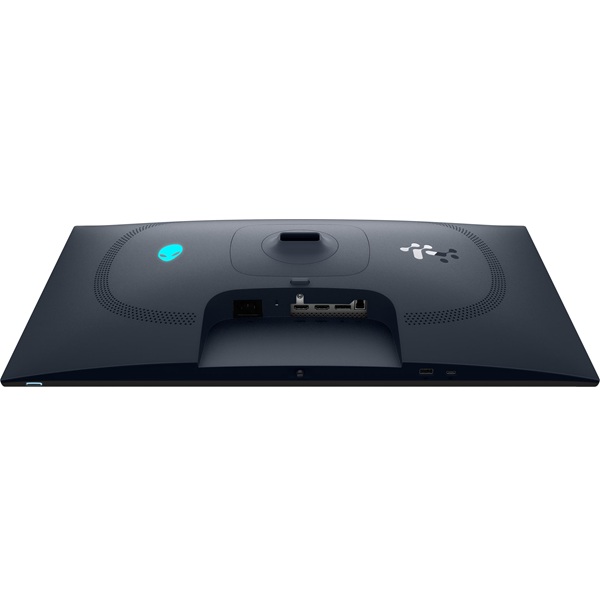
- Choose the right connection: Use a compatible DisplayPort 1.4 or HDMI 2.1 connection and suitable cable to access supported resolution, refresh rate and HDR modes.
- Understand HDR brightness: The listed peak brightness applies under specified conditions and should not be interpreted as sustained full-screen brightness.
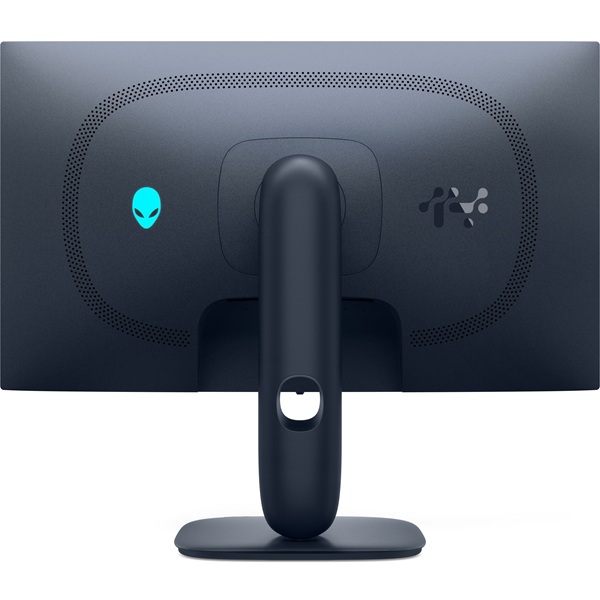
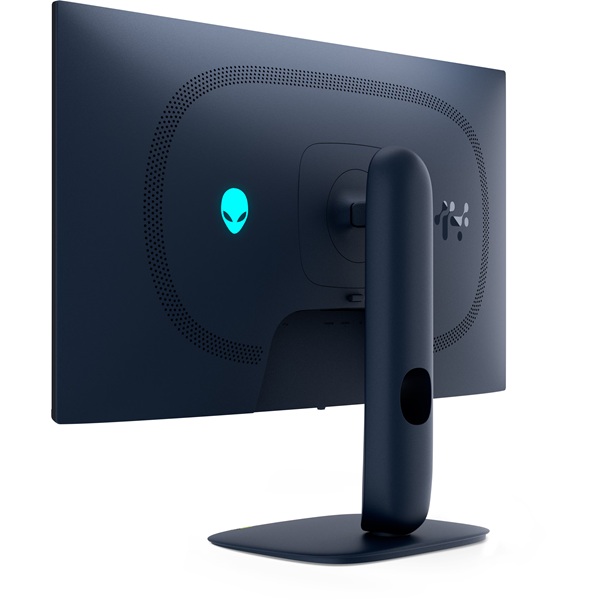
- Plan your desk setup: Check the monitor's footprint and make use of its height, tilt, swivel and pivot adjustments as needed.
- Consider OLED care: Follow Dell's guidance for panel maintenance and built-in OLED care features, and avoid leaving static images on screen for unnecessarily long periods.
Frequently Asked Questions
What is the maximum refresh rate of the Alienware AW2725D?
The Alienware AW2725D supports a refresh rate of up to 280Hz at its QHD resolution of 2560 × 1440, subject to the connected device, port and display settings.
Does the AW2725D use OLED technology?
Yes. It uses a Quantum Dot OLED (QD-OLED) panel, combining OLED contrast with quantum-dot colour technology.
Is the Alienware AW2725D suitable for competitive gaming?
Yes. Its 280Hz refresh rate, 0.03ms GTG response-time specification and variable refresh-rate support make it well suited to compatible competitive gaming setups.
Which ports are available on the AW2725D?
Connectivity includes two HDMI 2.1 ports, one DisplayPort 1.4, one USB Type-B upstream port, one USB Type-A downstream port and one USB-C downstream port with data support and up to 15W charging.
Does this monitor support adaptive sync?
Yes. Dell lists NVIDIA G-SYNC Compatible, AMD FreeSync Premium Pro and VESA AdaptiveSync support. The available functionality depends on the connected hardware and configuration.
Can the AW2725D be mounted on a monitor arm?
Yes. The monitor supports a 100 × 100mm VESA mount. Ensure your chosen arm is compatible with the monitor's weight and mounting requirements.
Upgrade Your Gaming Setup with Clarion Computers
Bring high-refresh-rate QHD gaming and QD-OLED visuals to your desk with the Alienware AW2725D. Explore Clarion Computers for your gaming and computing needs.
Shop at Clarion Computers