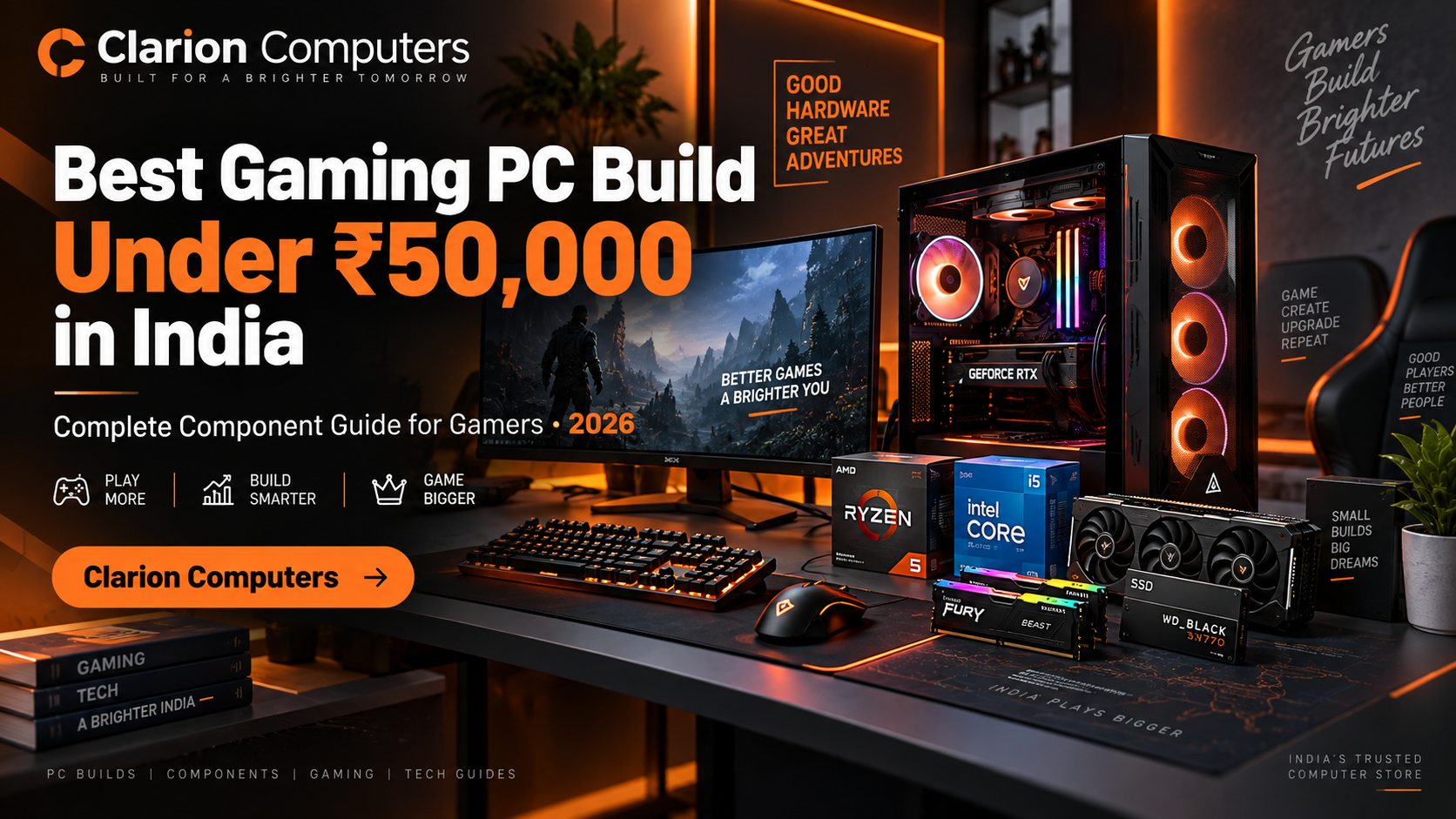
Best Gaming PC Build Under ₹50,000 in India
Best Gaming PC Build Under ₹50,000 in India – Complete Component Guide
Build a powerful gaming PC under ₹50,000 in India with the perfect combination of processor, graphics card, RAM, SSD, motherboard and other essential components. This complete guide helps gamers choose the right hardware for smooth 1080p gaming performance.
Shop Gaming Components at Clarion ComputersIntroduction: Building a Gaming PC Under ₹50,000 in India
The gaming PC market in India has grown rapidly over the last few years. More gamers, students, content creators and professionals are looking for powerful computers that can deliver excellent performance without spending an extremely high amount of money.
A budget of ₹50,000 is considered one of the most practical price points for building a gaming PC in India. With carefully selected components, gamers can enjoy smooth Full HD gaming, competitive esports performance and a reliable system that can handle modern applications.
However, building a gaming PC is not only about selecting the most expensive graphics card. A powerful computer requires a balanced combination of CPU, GPU, motherboard, memory, storage, power supply and cooling system.
For example, pairing a high-end graphics card with a weak processor can create performance limitations. Similarly, using a low-quality power supply can affect system stability and reduce the lifespan of expensive components.
Clarion Computers helps Indian gamers select genuine PC components from trusted brands. Whether you are building your first gaming PC or upgrading an existing system, choosing compatible hardware is the key to getting maximum performance from your investment.
Why Build a Custom Gaming PC Under ₹50,000?
Many beginners compare custom-built PCs with ready-made computers. While pre-built systems provide convenience, a custom PC gives you complete control over every component.
When you build your own gaming computer, you can select better-quality parts, avoid unnecessary expenses and create a system that matches your exact gaming requirements.
Better Performance Per Rupee
Every part of your budget goes toward performance-focused hardware instead of paying extra for unnecessary pre-built features.
Future Upgrade Options
A properly planned gaming PC allows future upgrades such as adding more RAM, replacing the GPU or installing additional storage.
Better Component Quality
You can select trusted brands for important parts like motherboard, PSU, cooling system and storage.
Best Gaming PC Build Under ₹50,000 Overview
| Component | Recommended Selection | Estimated Budget |
|---|---|---|
| Processor | AMD Ryzen 5 / Intel Core i5 Gaming Processor | ₹10,000 - ₹13,000 |
| Graphics Card | NVIDIA RTX / AMD Radeon Graphics Card | ₹18,000 - ₹25,000 |
| Motherboard | B550 / B650 / B760 Gaming Motherboard | ₹7,000 - ₹12,000 |
| Memory | 16GB DDR4 / DDR5 RAM | ₹4,000 - ₹6,000 |
| Storage | 500GB / 1TB NVMe SSD | ₹3,000 - ₹6,000 |
Processor Selection Guide for a ₹50,000 Gaming PC
The processor is the brain of every gaming computer. It controls game logic, physics calculations, background tasks and overall system responsiveness. Choosing the right CPU is important because it directly affects gaming performance, especially in competitive games with high frame rates.
For a gaming PC under ₹50,000 in India, mid-range processors from AMD Ryzen and Intel Core series provide excellent performance. These processors offer enough power for modern gaming while maintaining a balanced budget for other important components like the graphics card.
AMD Ryzen processors are popular among gamers because they provide excellent multi-core performance, efficient power consumption and strong upgrade options. Intel Core processors are also highly competitive with excellent gaming performance and strong single-core performance.
What To Consider Before Buying a Processor?
- Core and thread count for multitasking and gaming performance
- Clock speed for faster gaming response
- Motherboard compatibility
- Future upgrade possibilities
- Power consumption and cooling requirements
Explore the latest processors from Clarion Computers and choose the right CPU for your gaming build.
Explore Desktop ProcessorsGraphics Card Buying Guide for Gaming PC
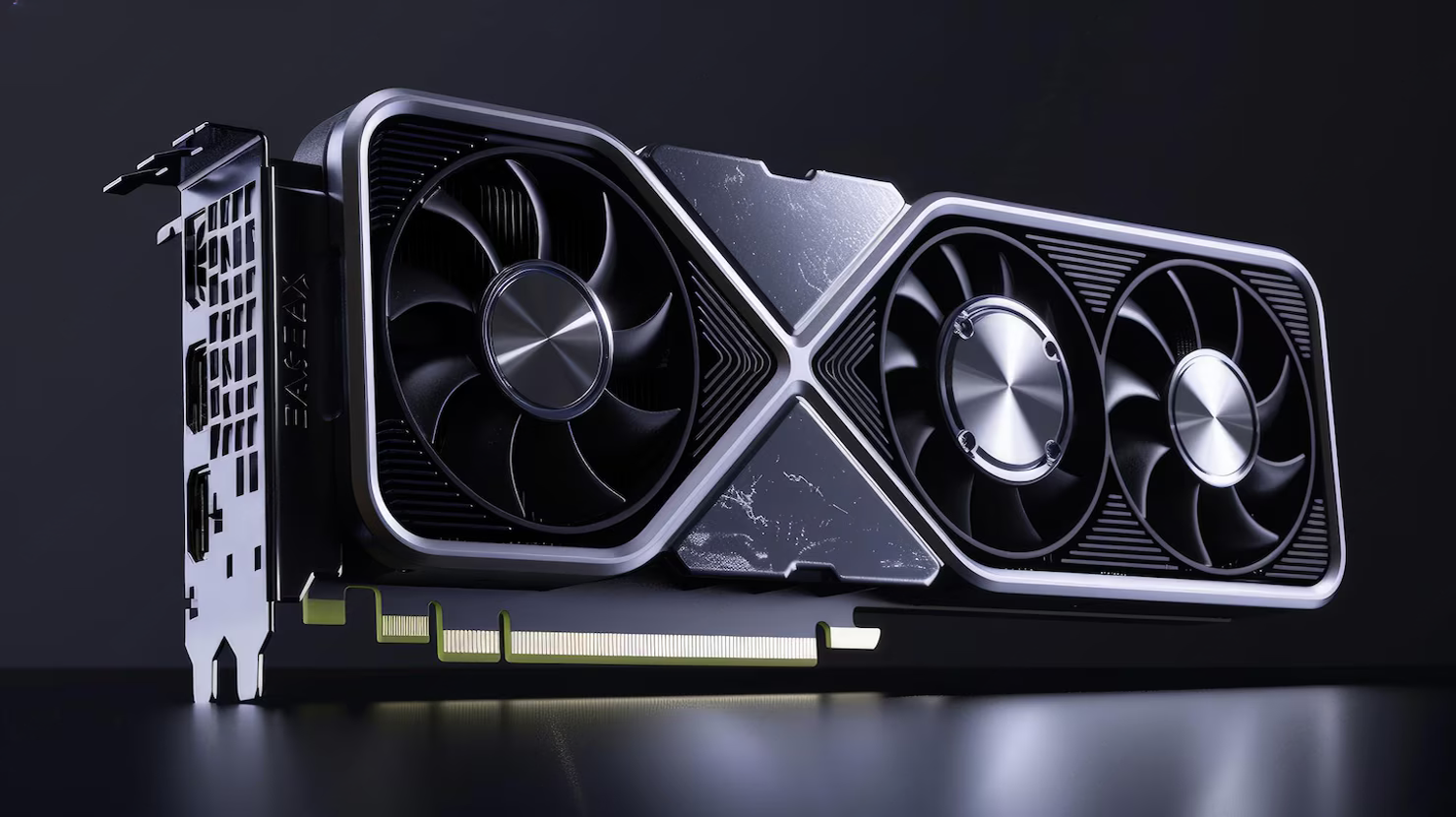
The graphics card is the most important component for gaming performance. It is responsible for rendering images, textures, lighting effects and visual details inside games.
For a ₹50,000 gaming PC build, selecting the right GPU is critical. Modern NVIDIA RTX and AMD Radeon graphics cards provide excellent 1080p gaming performance with advanced features such as ray tracing, AI-based image enhancement and improved power efficiency.
Gamers should choose a graphics card based on their monitor resolution and gaming requirements. For Full HD gaming, a mid-range GPU can deliver excellent frame rates in competitive and popular AAA games.
Important GPU Factors
- VRAM capacity for modern games
- Cooling design and thermal performance
- Power requirements
- Ray tracing and AI features
- Driver support and reliability
A balanced GPU and CPU combination prevents bottlenecks and ensures smoother gameplay.
Browse Graphics CardsChoosing the Right Motherboard
The motherboard connects every component of your gaming PC. Although it does not directly increase FPS, choosing a quality motherboard ensures stability, compatibility and future upgrade support.
A good gaming motherboard should support your selected processor generation, provide enough RAM slots, include fast storage support and offer reliable power delivery.
Features To Look For:
- Latest CPU socket compatibility
- DDR4 or DDR5 memory support
- M.2 NVMe SSD slots
- Good VRM cooling
- Future expansion options
RAM Guide: 16GB vs 32GB Memory for Gaming
Memory plays an important role in gaming performance. Insufficient RAM can cause slow loading, frame drops and poor multitasking performance.
For modern gaming in 2026, 16GB RAM is considered the minimum recommended capacity. It allows smooth gaming performance while keeping the overall build cost under control.
Gamers who also stream, edit videos or run multiple applications may benefit from upgrading to 32GB RAM in the future.
DDR4 vs DDR5 RAM
DDR5 memory provides higher bandwidth and improved efficiency compared to DDR4. However, the choice depends on your processor and motherboard platform.
Explore Memory (RAM)Storage Guide: Why NVMe SSD Is Essential
Storage performance directly affects system responsiveness. Traditional hard drives are slower compared to modern SSD technology.
NVMe SSDs provide significantly faster read and write speeds, resulting in quicker Windows startup, faster game loading and smoother application performance.
Benefits of NVMe SSD:
- Faster game loading times
- Quick operating system startup
- Better overall system responsiveness
- Compact installation design
Power Supply Guide: Choosing the Right PSU for Gaming PC
The power supply unit (PSU) is one of the most important components of a gaming computer. Many beginners focus only on CPU and GPU performance while ignoring PSU quality. However, a reliable power supply protects all expensive components and ensures stable system operation.
For a gaming PC under ₹50,000, a good quality 550W to 650W PSU with proper certification is generally recommended. A quality PSU provides stable power delivery during heavy gaming sessions and protects your hardware from electrical problems.
Important PSU Features:
- 80 Plus certification for better efficiency
- Reliable internal components
- Adequate wattage for future GPU upgrades
- Strong protection features
- Proper cable support
Never compromise on PSU quality because a cheap power supply can affect system stability and damage valuable gaming hardware.
Explore Power SupplyCabinet and Cooling Guide for Gaming PC
A gaming cabinet is not only about appearance and RGB lighting. Proper airflow plays an important role in maintaining stable temperatures and consistent gaming performance.
During long gaming sessions, CPU and GPU temperatures can increase significantly. A cabinet with good airflow allows fresh air to enter and hot air to leave efficiently.
Things To Consider:
- Front mesh airflow design
- Support for multiple cooling fans
- Graphics card clearance
- Cable management space
- Future upgrade compatibility
A good cooling setup improves component lifespan and provides better performance consistency.
Explore Cabinets & Cooling SystemsExpected Gaming Performance From This Build
A properly balanced ₹50,000 gaming PC can provide excellent Full HD gaming performance. Actual FPS depends on the selected GPU, game optimization, graphics settings and system configuration.
| Game | Resolution | Expected Experience |
|---|---|---|
| Valorant | 1080p High | High FPS competitive gaming |
| Counter Strike 2 | 1080p High | Smooth esports performance |
| GTA V | 1080p Very High | Excellent gaming experience |
| Fortnite | 1080p High | Smooth competitive gameplay |
Custom Gaming PC vs Pre-Built PC
| Custom PC | Pre-Built PC |
|---|---|
| Complete control over every component | Limited configuration options |
| Better performance value | Usually higher pricing |
| Easy future upgrades | Upgrade options may be limited |
For gamers who want maximum performance from their budget, a custom-built gaming PC is usually the better choice.
Future Upgrade Options
A good gaming PC should not only perform well today but also support future improvements.
- Upgrade RAM from 16GB to 32GB
- Install larger NVMe SSD storage
- Upgrade graphics card for higher resolution gaming
- Improve cooling performance
- Upgrade processor depending on motherboard support
Common Mistakes When Building a Gaming PC
- Choosing GPU without considering CPU balance
- Buying low-quality PSU to save money
- Ignoring airflow and cooling
- Selecting insufficient storage
- Not planning future upgrades
Why Choose Clarion Computers?
Clarion Computers provides genuine PC components, trusted brands and expert guidance for Indian gamers. From processors and graphics cards to complete gaming setups, Clarion helps you build the right PC according to your budget and performance requirements.
Build Your Gaming PC TodayFrequently Asked Questions
Can I build a gaming PC under ₹50,000 in India?
Yes. With careful component selection, a ₹50,000 gaming PC can deliver excellent 1080p gaming performance.
Is 16GB RAM enough for gaming in 2026?
Yes. 16GB RAM is suitable for most modern games, while 32GB provides better future readiness.
Which graphics card is best for a ₹50,000 gaming PC?
The ideal GPU depends on current market pricing, but NVIDIA RTX and AMD Radeon cards provide strong performance options.
Where can I buy genuine PC components in India?
Clarion Computers provides authentic PC hardware and gaming components for Indian customers.