
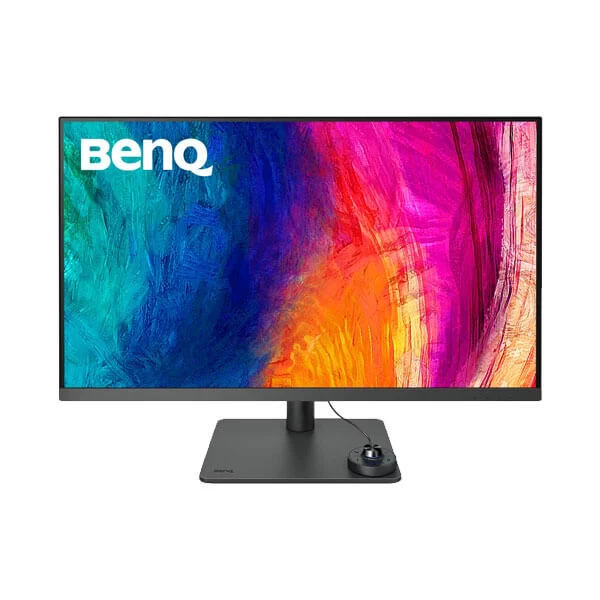
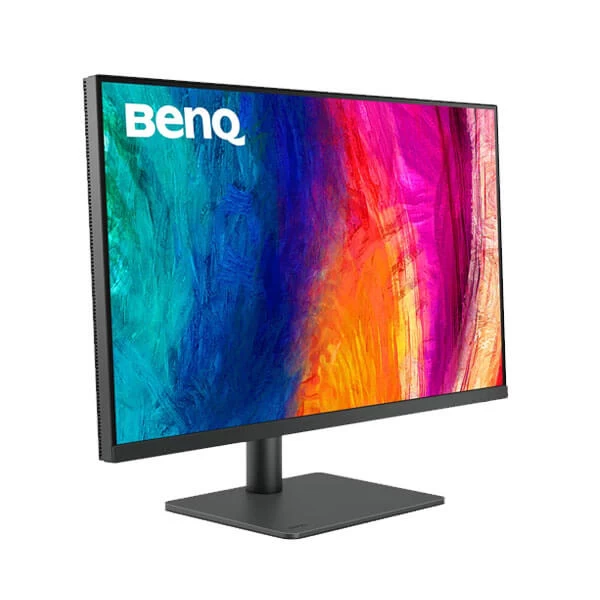
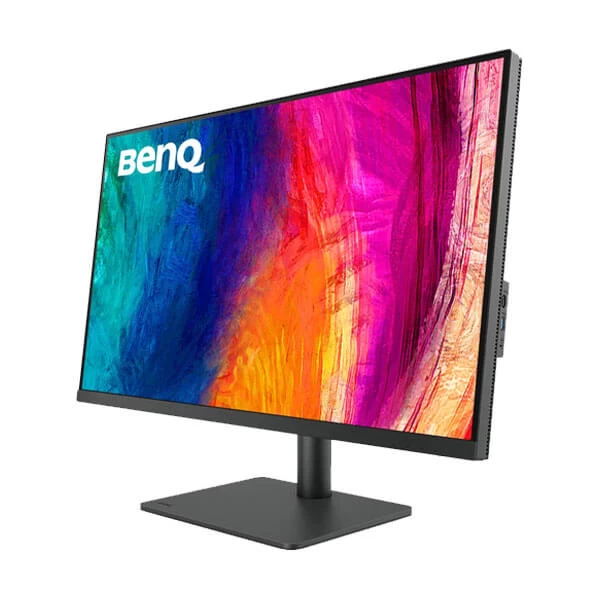


BenQ DesignVue Series
BenQ PD3205U 32-Inch 4K UHD IPS Professional Monitor
Upgrade your creative workspace with the BenQ PD3205U, a professional 4K UHD monitor designed for designers, digital artists and content creators. With accurate colour reproduction, HDR10 support, USB-C connectivity with 90W power delivery and dedicated design modes, it delivers a practical workspace for detailed creative projects and everyday productivity.
31.5"
IPS Display
4K UHD
3840 × 2160 Resolution
60Hz
Refresh Rate
99% sRGB
Colour Gamut
Product Overview
The BenQ PD3205U is a 31.5-inch 4K UHD professional monitor from the DesignVue series. Designed for creative professionals, it combines a 3840 × 2160 IPS display with 99% sRGB and 99% Rec.709 colour coverage. Its factory calibration report, Uniformity Technology, dedicated design modes and Calman Verified status support colour-conscious workflows. USB-C connectivity with up to 90W power delivery, a built-in KVM switch and PIP/PBP functionality make it a versatile option for modern workstations.
Key Features of the BenQ PD3205U
4K UHD Resolution for Detailed Work
The 3840 × 2160 resolution delivers fine detail and a spacious workspace for complex illustrations, large design files, video timelines and multitasking. Its 16:9 aspect ratio is well suited to creative applications, professional media and everyday office productivity.
IPS Panel with Wide Viewing Angles
The IPS panel provides 178° horizontal and vertical viewing angles, helping maintain a consistent image when viewed from different positions. Its matte screen coating helps reduce reflections during extended work sessions.
99% sRGB and Rec.709 Colour Coverage
With 99% sRGB and 99% Rec.709 colour gamut coverage, the PD3205U supports a wide range of web design, graphic design, digital content and video production tasks. BenQ's AQCOLOR technology focuses on accurate and consistent colour reproduction, with a published average Delta E specification of ≤3.
HDR10 Support
HDR10 compatibility enables the monitor to display supported HDR content. Its typical brightness is 250 nits, with a published peak HDR brightness of 350 nits. The monitor is primarily designed for professional design and productivity rather than high-brightness HDR mastering.
USB-C with 90W Power Delivery
The USB-C connection supports DisplayPort Alt Mode, data transfer and up to 90W power delivery. With a compatible laptop, a single cable can handle the display signal, USB data and laptop charging, helping keep a workstation organised.
Built-In KVM Switch
The integrated KVM switch lets users control compatible computers using a shared keyboard and mouse. This is especially useful for designers working between a desktop computer and a laptop, reducing the need for separate peripherals.
CAD/CAM, Animation and Darkroom Modes
Dedicated CAD/CAM and Animation modes help adapt the display to different creative tasks. Darkroom, sRGB, Rec.709, M-book and DICOM modes provide additional options for supported workflows.
Uniformity Technology and ICCsync
BenQ's Uniformity Technology is designed to improve colour and brightness consistency across the screen. ICCsync helps simplify colour profile management between compatible devices, supporting more consistent colour settings in creative workflows.
Ergonomic Stand and Hotkey Puck G2
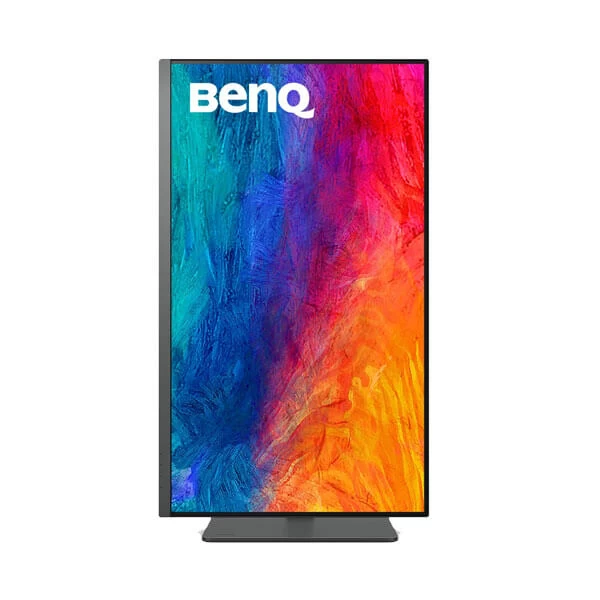
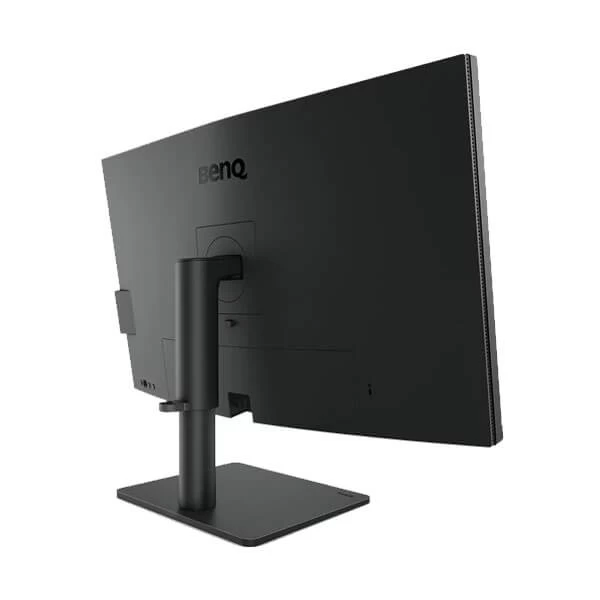
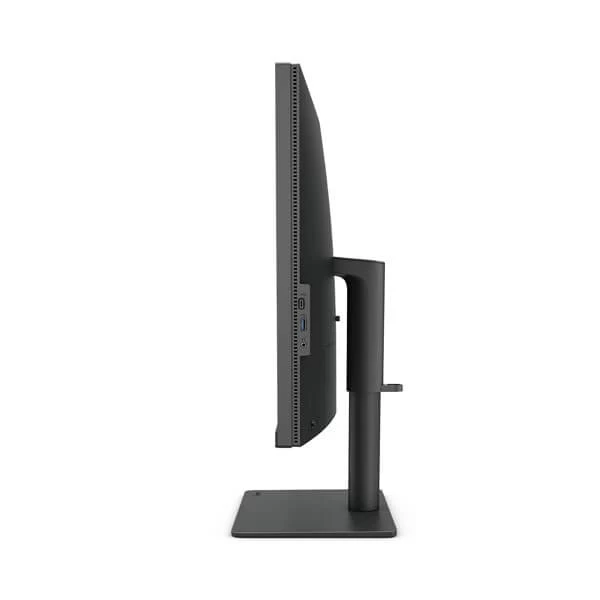
The adjustable stand supports height adjustment, tilt, swivel and pivot positioning. The included Hotkey Puck G2 provides convenient access to frequently used monitor settings and colour modes, helping streamline everyday creative work.
Display Performance
The BenQ PD3205U combines 4K UHD resolution with a 60Hz refresh rate and 5ms GtG response time. Its 1000:1 native contrast ratio, 250-nit typical brightness and 1.07-billion-colour display support detailed professional design work and general productivity. HDR10 compatibility adds support for compatible HDR content.
Connectivity and Expansion
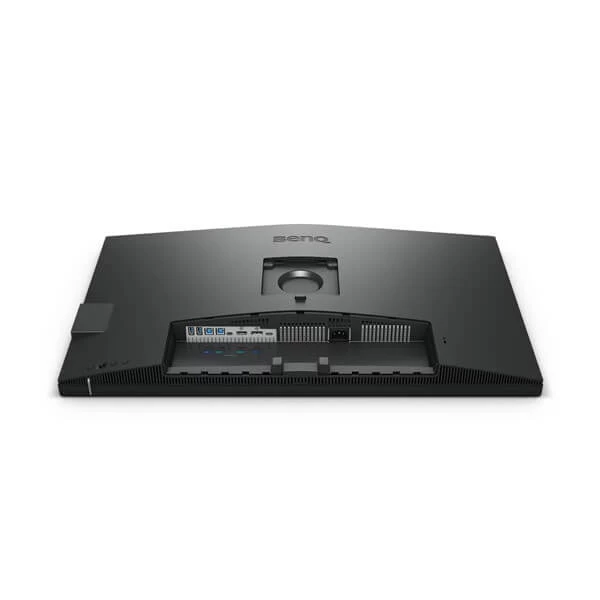
The PD3205U provides one HDMI 2.0 input, one DisplayPort 1.4 input and one USB-C port supporting DisplayPort Alt Mode, data transfer and up to 90W power delivery. Additional USB connectivity supports peripheral connections, while the built-in KVM switch and PIP/PBP features help users work across multiple computers and video sources. A headphone jack and built-in speakers provide convenient audio options.
Technical Specifications
| Brand | BenQ |
| Model | PD3205U |
| Series | DesignVue |
| Screen Size | 31.5 inches (32-inch class) |
| Panel Type | IPS, LED backlight |
| Resolution | 3840 × 2160 4K UHD |
| Aspect Ratio | 16:9 |
| Refresh Rate | 60Hz |
| Response Time | 5ms GtG |
| Typical Brightness | 250 nits |
| Peak HDR Brightness | 350 nits |
| Native Contrast Ratio | 1000:1 |
| Viewing Angles | 178° horizontal / 178° vertical |
| Colour Gamut | 99% sRGB, 99% Rec.709 |
| Display Colours | 1.07 billion colours |
| Pixel Density | 140 PPI |
| Screen Coating | Matte |
| HDR Support | HDR10 |
| Colour Accuracy | Average Delta E ≤3 |
| Calibration | Factory calibration report; Calman Verified |
| HDMI | 1 × HDMI 2.0 |
| DisplayPort | 1 × DisplayPort 1.4 |
| USB-C | 1 × USB-C with DisplayPort Alt Mode, data and up to 90W power delivery |
| USB-C Downstream | 1 × USB-C downstream port |
| USB Type-B Upstream | 2 × USB Type-B upstream ports (manufacturer-listed) |
| USB 3.2 Downstream | 3 × USB downstream ports (manufacturer-listed) |
| Audio | 2 × 2.5W built-in speakers, headphone jack |
| Special Features | KVM switch, ICCsync, Uniformity Technology, PIP/PBP, DualView, Auto Pivot, Hotkey Puck G2 |
| Display Modes | Rec.709, sRGB, HDR, M-book, DICOM, CAD/CAM, Animation, Darkroom, Low Blue Light, User |
| Eye Care | Flicker-Free technology, Low Blue Light |
| Height Adjustment | 110mm |
| Tilt | -5° to 20° |
| Swivel | 15° left / 15° right |
| Pivot | 90° |
| VESA Mount | 100 × 100mm |
| Power Supply | Built-in, 100–240V AC |
| Typical Power Consumption | 31.5W |
| Maximum Power Consumption | 168W |
| Sleep Mode Power | Less than 0.5W |
| Dimensions with Stand | 714.7 × 256.8 × 479–589mm (W × D × H) |
| Dimensions without Base | 714.7 × 85.24 × 422mm (W × D × H) |
| Weight with Stand | 9.4kg |
| Weight without Base | 6.2kg |
| Included Accessories | Hotkey Puck G2, calibration report, power cable, HDMI cable, DisplayPort cable, USB cable and USB-C cable; contents may vary by region |
Ideal Uses
- Graphic design and digital illustration
- CAD/CAM and technical design workflows
- Animation and visual content creation
- Video editing and Rec.709 workflows
- Photography and image retouching
- Multi-computer workstations using the built-in KVM switch
- Office productivity and high-resolution multitasking
Things to Know Before Buying
- The monitor uses a 60Hz refresh rate and is primarily designed for professional creative work rather than high-refresh-rate gaming.
- USB-C supports up to 90W power delivery; check your laptop's charging requirements and USB-C compatibility.
- HDR10 support does not make this a high-brightness HDR mastering monitor; typical brightness is 250 nits.
- Hardware colour-management results depend on the application, calibration settings and workflow.
- Confirm the regional package contents and connectivity configuration with the seller before purchasing.
Frequently Asked Questions
What is the resolution of the BenQ PD3205U?
The BenQ PD3205U offers 3840 × 2160 4K UHD resolution on a 31.5-inch IPS panel.
Is the BenQ PD3205U suitable for professional design work?
Yes. Its 99% sRGB and Rec.709 colour coverage, factory calibration report, Uniformity Technology and dedicated CAD/CAM and Animation modes make it suitable for a variety of creative workflows.
Does the BenQ PD3205U support HDR?
Yes. It supports HDR10 for compatible content.
Does the monitor support USB-C laptop charging?
Yes. The USB-C connection supports up to 90W power delivery, along with compatible video and data connections.
Does the BenQ PD3205U have built-in speakers?
Yes. It features two built-in 2.5W speakers and a headphone jack.
Can the BenQ PD3205U connect to multiple computers?
Yes. It offers multiple video inputs and a built-in KVM switch for compatible systems. PIP/PBP functions also support displaying content from multiple sources.
Can the monitor be wall-mounted?
Yes. It supports VESA 100 × 100mm mounting for compatible monitor arms and wall mounts.
Build Your Next Gaming PC
Find the essential components for your next PC build with Clarion Computers. Explore quality components to create a setup that matches your performance goals and budget.