
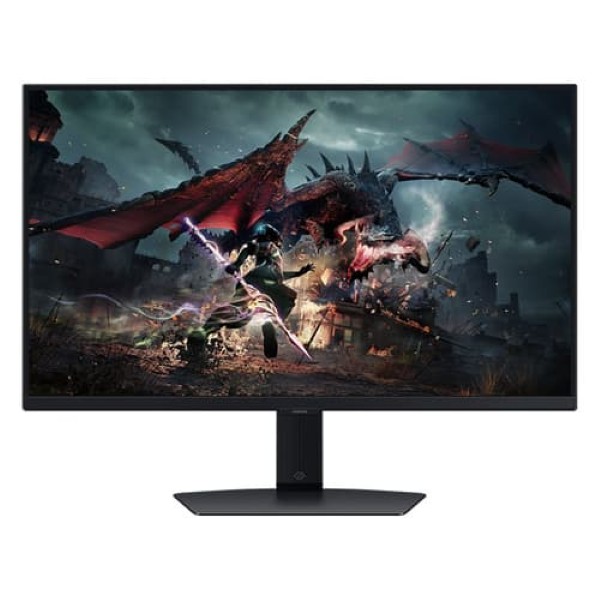
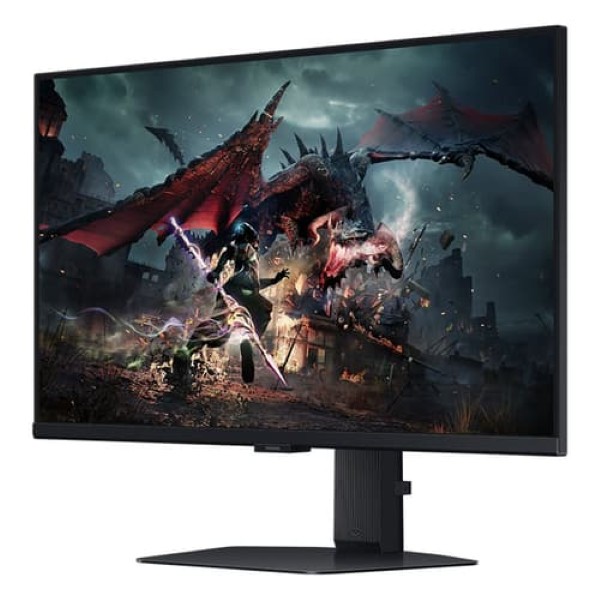
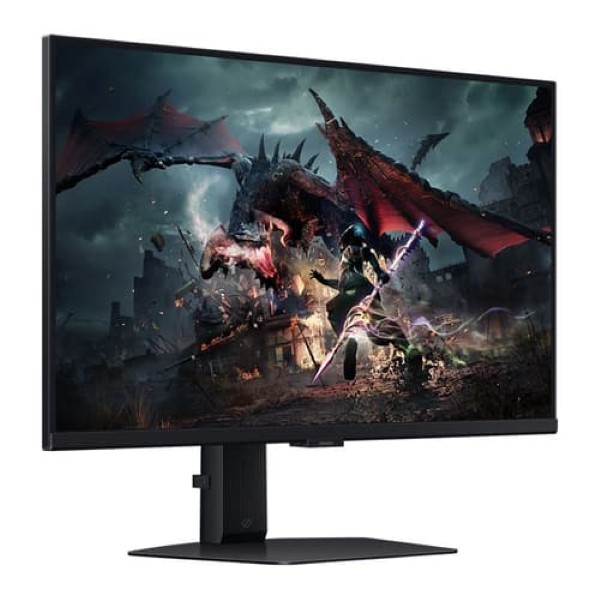
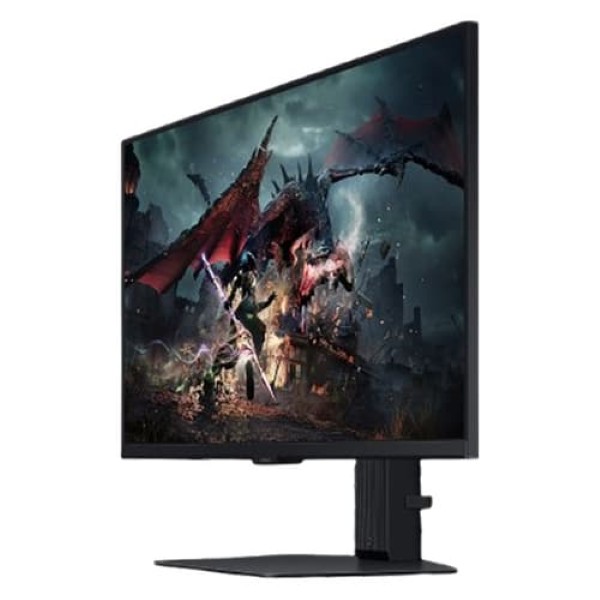
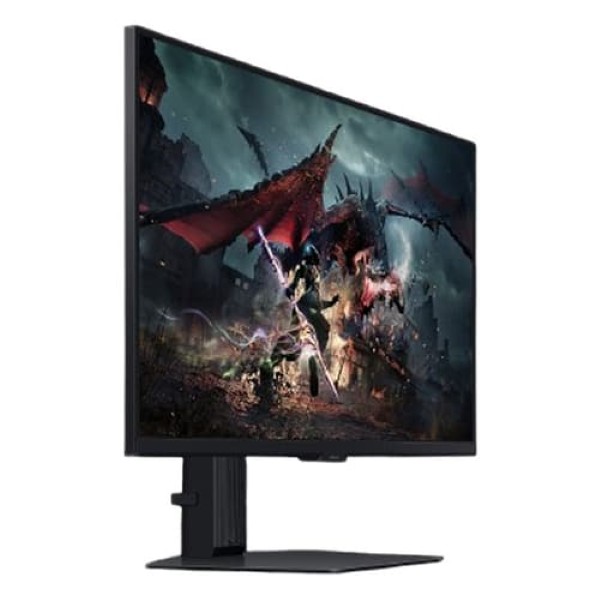
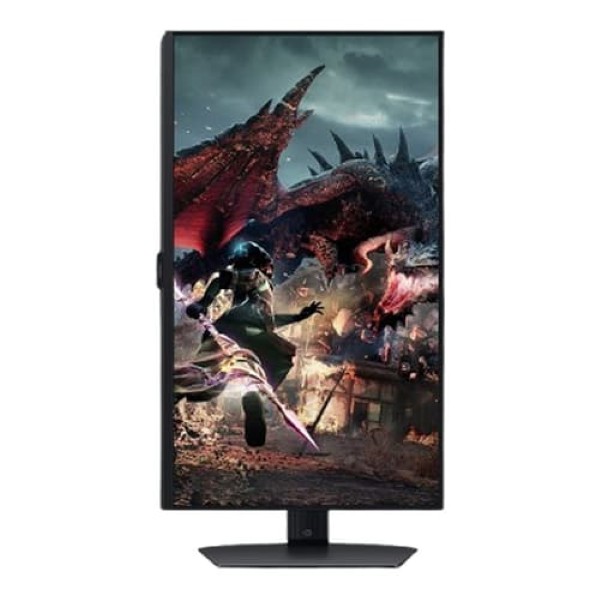

Samsung Odyssey Gaming Monitor
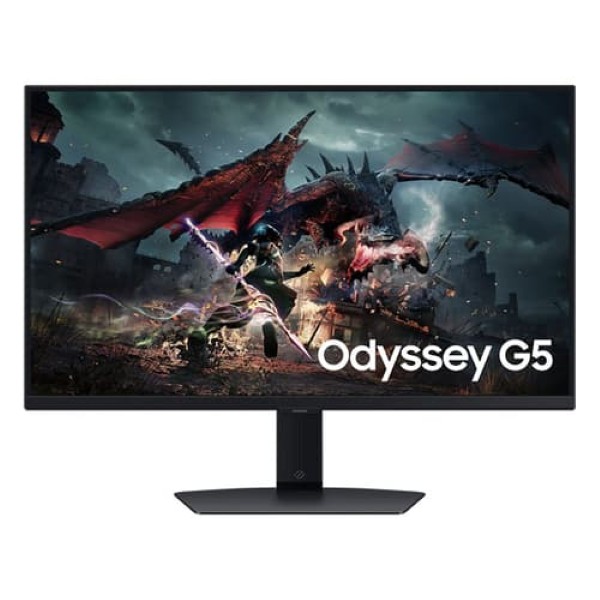
Samsung Odyssey G5 27-Inch QHD Gaming Monitor
Experience responsive gaming with QHD clarity, a fast IPS panel, a refresh rate of up to 180Hz and a 1ms response time.
Product Overview
The Samsung Odyssey G5 LS27DG502EWXXL is a 27-inch QHD gaming monitor designed for detailed visuals and responsive gameplay. Its flat IPS display combines a 2560 × 1440 resolution with a high refresh rate of up to 180Hz, helping compatible games appear smoother and more fluid.
The 1ms response-time specification is designed to reduce visible pixel transition delays, while the IPS panel provides wide viewing angles and vibrant colour reproduction. HDR10 support enhances compatible content, and adaptive sync helps reduce distracting screen tearing during gameplay.
With gaming tools such as Black Equalizer and Virtual Aim Point, plus Eye Saver Mode and Flicker Free technology, this Odyssey G5 is suitable for competitive gaming, everyday computing and entertainment.
Screen Size
27 Inch
Flat IPS display
Resolution
QHD
2560 × 1440 pixels
Refresh Rate
180Hz
Maximum supported refresh rate
Response Time
1ms
Fast pixel response
QHD Resolution for Detailed Gaming
The 2560 × 1440 QHD resolution delivers more detail than Full HD at the same screen size. It gives you a sharper view of game environments, character details and on-screen text while providing additional desktop workspace for multitasking.
- 27-inch flat display with a 16:9 aspect ratio.
- 2560 × 1440 QHD resolution.
- Detailed visuals for gaming, streaming and productivity.
- IPS panel technology for consistent colour and wide viewing angles.
Up to 180Hz Refresh Rate
A refresh rate of up to 180Hz allows the monitor to update the image frequently, helping fast-moving action appear smoother when connected to compatible hardware. This can be particularly useful in competitive games where clear motion and quick reactions matter.
To use the highest refresh rate, ensure that your graphics card, connection, cable and selected resolution settings support the required output. Actual performance depends on the connected system and game.
1ms Response Time
The monitor's 1ms response-time specification is designed to minimise pixel transition delays and help keep fast-moving objects clearer. This supports responsive gameplay in action, racing, sports and first-person shooter titles.
Response-time measurements depend on the test method and monitor settings. They should not be interpreted as the complete input-to-screen latency of the system.
IPS Panel and Colour Quality
The flat IPS panel is designed to deliver clear colours and wide viewing angles, making the monitor practical for both gaming and everyday desktop use. Its QHD resolution provides a useful balance between visual detail and the graphics performance required to run modern games.
- Flat IPS panel.
- 16:9 widescreen aspect ratio.
- 178° horizontal and vertical viewing angles.
- Support for up to 16.7 million colours.
- 99% sRGB colour coverage.
HDR10 Support
HDR10 support allows compatible games and video content to use high dynamic range signals. When supported by the source content and system, HDR can provide a wider range of brightness information and more nuanced visual detail.
HDR results depend on the content, display settings and panel capabilities. HDR support alone does not guarantee the brightness or contrast performance of higher-tier HDR-certified displays.
Adaptive Sync for Smoother Gameplay
Adaptive sync technology helps coordinate the monitor's refresh behaviour with compatible graphics hardware. This can reduce screen tearing and stuttering when frame rates vary during gameplay.
- AMD FreeSync support.
- Helps reduce screen tearing with compatible hardware.
- Designed to improve motion consistency during gaming.
Gaming Features
Samsung includes a selection of gaming-oriented tools to help you tailor the display to different game types and playing environments.
- Black Equalizer: Adjusts dark-scene visibility to help reveal details in shadowed areas.
- Virtual Aim Point: Adds an on-screen aiming reticle for supported gaming situations.
- Refresh Rate Optimizer: Provides access to refresh-rate-related gaming settings.
- Super Arena Gaming UX: Provides a gaming-focused on-screen interface.
- Auto Source Switch+: Helps switch to an active connected source automatically.
- Image Size: Offers display image-size adjustment options.
Eye Care for Everyday Use
Eye Saver Mode helps reduce blue-light output, while Flicker Free technology is designed to reduce distracting screen flicker. These features can be useful during extended gaming or work sessions, although regular breaks and comfortable display settings remain important.
Connectivity
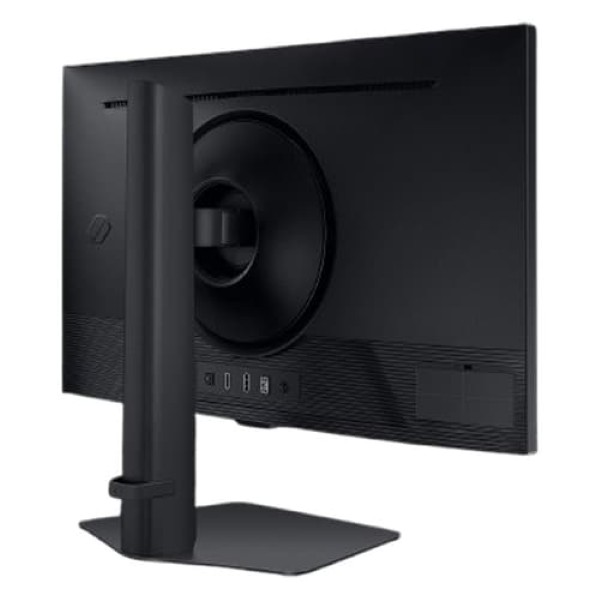
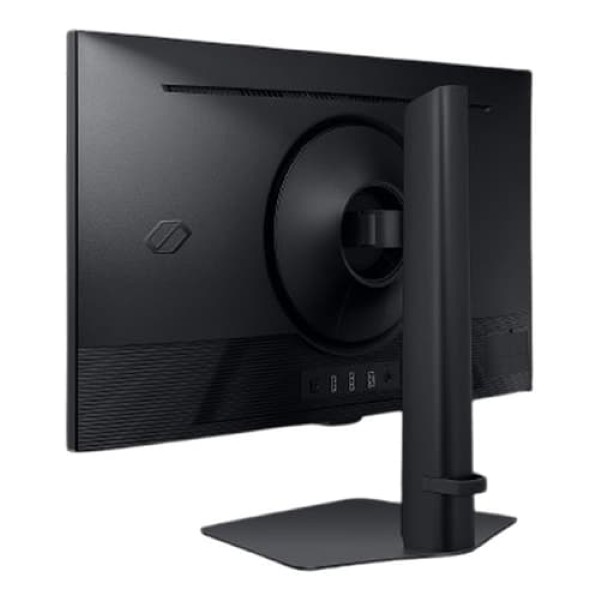
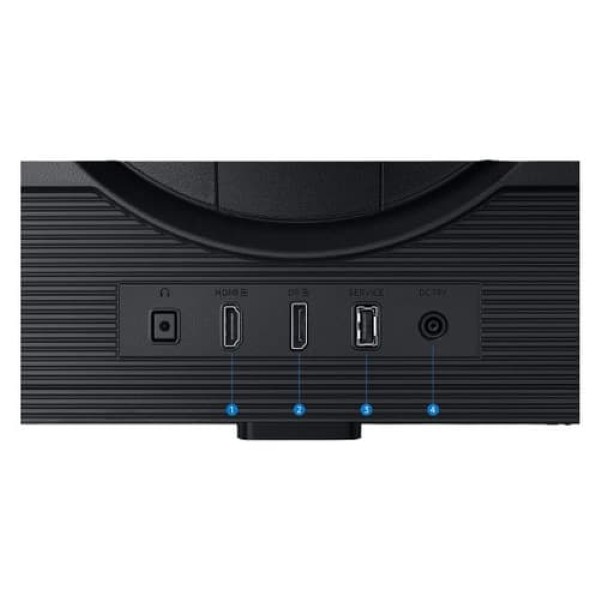
The monitor provides HDMI and DisplayPort connections for compatible desktop PCs, gaming systems and other video sources. Select the appropriate port and cable for your system's desired resolution and refresh rate.
- 1 × DisplayPort 1.2.
- 1 × HDMI 2.0.
- HDCP 2.2 support.
- Headphone output.
Note: Samsung's support listing identifies the LS27DG502EWXXL as the 27-inch Odyssey G5 model with an IPS panel and 180Hz refresh rate. Check the product packaging or regional specification sheet for any market-specific differences in included cables and accessories.
Technical Specifications
| Display | |
|---|---|
| Brand | Samsung |
| Series | Odyssey G5 |
| Model | LS27DG502EWXXL |
| Screen Size | 27-inch class (68.5cm) |
| Screen Type | Flat |
| Panel Type | IPS |
| Resolution | QHD, 2560 × 1440 |
| Aspect Ratio | 16:9 |
| Refresh Rate | Maximum 180Hz |
| Response Time | 1ms |
| Viewing Angles | 178° horizontal / 178° vertical |
| Colour Support | Up to 16.7 million colours |
| Colour Coverage | 99% sRGB |
| HDR | HDR10 |
| Gaming and General Features | |
| Adaptive Sync | AMD FreeSync |
| Eye Care | Eye Saver Mode, Flicker Free |
| Gaming Tools | Black Equalizer, Virtual Aim Point, Refresh Rate Optimizer, Super Arena Gaming UX |
| Other Features | Image Size, Off Timer Plus, Auto Source Switch+ |
| Windows Certification | Windows 11 |
| Connectivity | |
| DisplayPort | 1 × DisplayPort 1.2 |
| HDMI | 1 × HDMI 2.0 |
| HDCP | HDCP 2.2 |
| Headphone Output | Yes |
Who Should Choose This Monitor?
- Competitive gamers: Benefit from a high refresh rate and responsive display behaviour.
- QHD gaming enthusiasts: Enjoy more image detail than Full HD on a 27-inch screen.
- Multitaskers: Use the additional QHD workspace for documents, browsing and multiple windows.
- Everyday desktop users: Take advantage of IPS viewing angles and eye-care features for general computing.
Important Things to Know
- The maximum refresh rate depends on the connected system, selected resolution, port and cable.
- HDR performance depends on the content and display capabilities; HDR10 support alone does not indicate a particular HDR certification.
- Adaptive sync requires compatible graphics hardware and software settings.
- Check the official regional specifications for exact dimensions, weight, power consumption and box contents before publishing those details.
Frequently Asked Questions
What is the resolution of the Samsung Odyssey G5 LS27DG502EWXXL?
It uses a QHD resolution of 2560 × 1440 pixels, offering more detail than Full HD.
Does this monitor support 180Hz?
Yes. Samsung identifies this model as a 27-inch Odyssey G5 IPS monitor with a maximum refresh rate of 180Hz. The connected hardware must support the selected output settings.
Does the monitor support HDR?
Yes. HDR10 is supported for compatible content.
Does it support adaptive sync?
Yes. Samsung lists AMD FreeSync support for this model.
Does the monitor have built-in speakers?
The official specifications should be checked for the exact regional SKU. The available listing confirms a headphone output.
Build Your Next Gaming PC
Find the essential components for your next PC build with Clarion Computers. Explore quality components to create a setup that matches your performance goals and budget.