

Samsung Essential Gaming Monitor
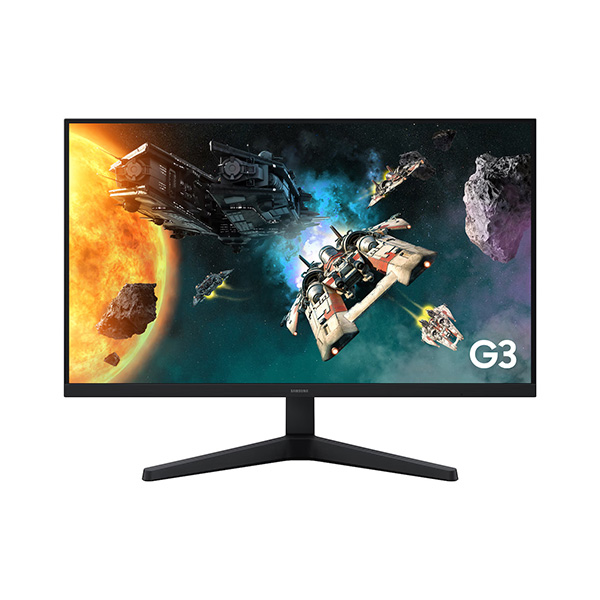
Samsung Essential Monitor G3 G31H 24-Inch FHD 144Hz Gaming Monitor
Enjoy smooth Full HD gaming with an IPS panel, 144Hz refresh rate, 1ms MPRT response time and AMD FreeSync technology.
24-Inch
Class Full HD Display
144Hz
Refresh Rate
1ms
MPRT Response Time
IPS
Wide Viewing Angles
Samsung Essential Monitor G3 G31H Overview
The Samsung Essential Monitor G3 G31H LS24HG310EWXXL is a Full HD gaming monitor designed for smooth gameplay and everyday productivity. Its 24-inch-class IPS display combines a 1920 × 1080 resolution with a refresh rate of up to 144Hz and a 1ms MPRT response time, making it a practical option for casual and competitive gaming.
AMD FreeSync helps synchronise the monitor's refresh rate with compatible graphics hardware to reduce screen tearing. Gaming-focused tools such as Black Equalizer, Virtual Aim Point and Game Mode provide additional control over how games look and feel. The monitor also includes Eye Saver Mode and Flicker Free technology for everyday viewing comfort.
Full HD IPS Display
The 1920 × 1080 Full HD resolution provides clear visuals for gaming, browsing, streaming and office work. IPS panel technology supports consistent colour appearance across a wide viewing angle, making the screen suitable for different desktop activities.
- 24-inch-class display with a 16:9 aspect ratio
- Full HD resolution of 1920 × 1080 pixels
- IPS panel technology
- Typical brightness of 250 cd/m²
- Static contrast ratio of 1,000:1
- 178° horizontal and vertical viewing angles
- Up to 16.7 million colours
- 95% sRGB colour coverage
144Hz Refresh Rate and 1ms MPRT Response Time
The 144Hz refresh rate delivers smoother motion than a standard 60Hz display when the connected device and settings support it. The 1ms MPRT response-time specification is designed to reduce perceived motion blur and help keep fast-moving action clearer during gameplay.
- 144Hz refresh rate: Smooth motion in supported games and applications.
- 1ms MPRT: Motion picture response time designed to improve perceived motion clarity.
- Game Mode: Adjusts display settings for gaming scenes.
- Black Equalizer: Helps reveal details in darker areas of supported games.
- Virtual Aim Point: Adds an on-screen aiming point for supported gaming setups.
- Refresh Rate Optimizer: Provides a gaming-oriented refresh-rate feature.
AMD FreeSync for Smoother Gameplay
AMD FreeSync synchronises the monitor's refresh rate with a compatible graphics card to help reduce screen tearing and stuttering. This can make fast-moving game scenes look smoother when the feature is supported by the graphics hardware and selected display settings.
Eye Saver Mode and Flicker Free Technology
Samsung includes Eye Saver Mode to reduce blue-light output and Flicker Free technology to minimise screen flickering. These features are intended to support a more comfortable viewing experience during extended gaming, studying or office sessions.
HDMI and DisplayPort Connectivity
The monitor provides HDMI and DisplayPort connections for compatible desktops, laptops and other video sources. A headphone output is also available for connecting compatible audio equipment.
- 1 × DisplayPort 1.4
- 1 × HDMI 2.0
- Headphone output
- HDCP 2.2 support through DisplayPort and HDMI
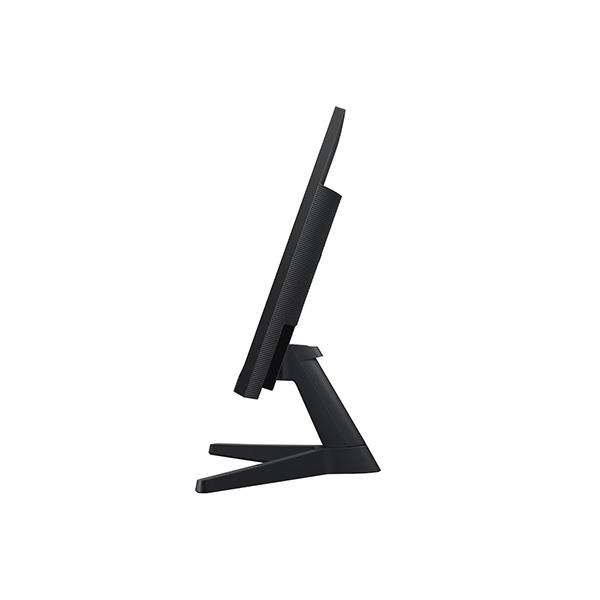
Simple, Space-Saving Design
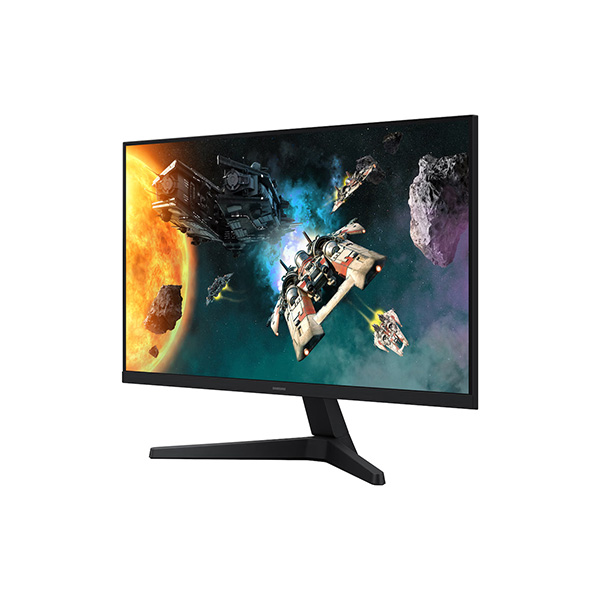
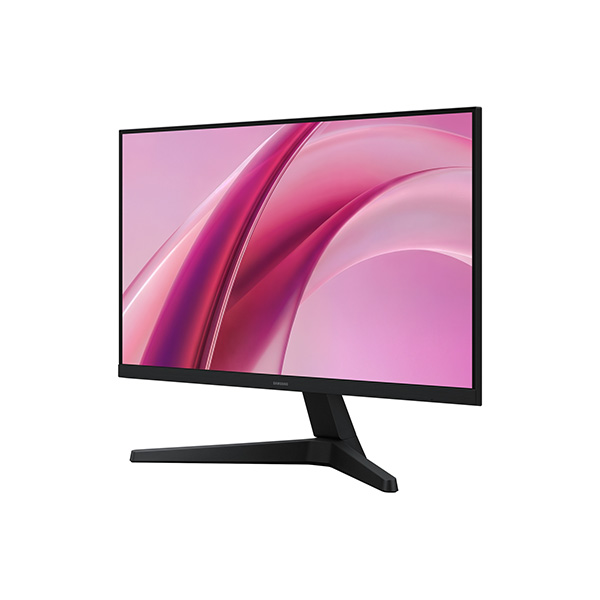
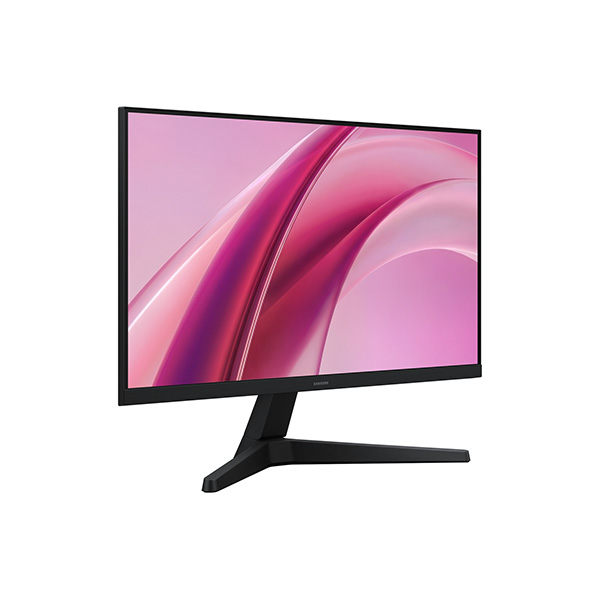
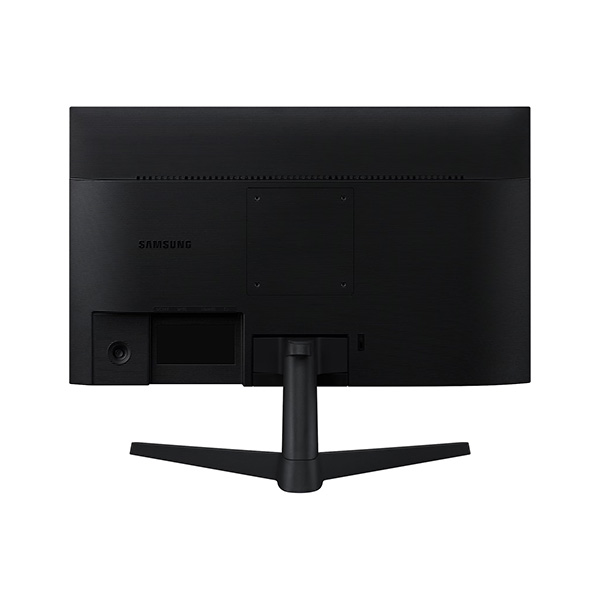
The black monitor design fits neatly into gaming desks, study spaces and home-office setups. Its simple stand supports tilt adjustment, and the 100 × 100mm VESA mounting pattern provides an option for compatible monitor arms or wall mounts.
- Black front, rear and stand
- Simple tilt-adjustable stand
- Tilt adjustment: approximately -2° to +20°
- VESA mounting: 100 × 100mm
Samsung LS24HG310EWXXL Specifications
| Display | |
|---|---|
| Brand | Samsung |
| Series | Essential Monitor G3 G31H |
| Model | LS24HG310EWXXL |
| Screen Size (Class) | 24-inch (60.5cm) |
| Panel Type | IPS |
| Screen Shape | Flat |
| Resolution | 1920 × 1080 (Full HD) |
| Aspect Ratio | 16:9 |
| Refresh Rate | Up to 144Hz |
| Response Time | 1ms MPRT |
| Brightness (Typical) | 250 cd/m² |
| Brightness (Minimum) | 200 cd/m² |
| Static Contrast Ratio | 1,000:1 |
| Viewing Angle | 178° horizontal / 178° vertical |
| Colour Support | Up to 16.7 million colours |
| sRGB Coverage | 95% |
| Gaming and General Features | |
| AMD FreeSync | Yes |
| Game Mode | Yes |
| Black Equalizer | Yes |
| Virtual Aim Point | Yes |
| Refresh Rate Optimizer | Yes |
| Super Arena Gaming UX | Yes |
| Eye Saver Mode | Yes |
| Flicker Free | Yes |
| Eco Saving Plus | Yes |
| Off Timer Plus | Yes |
| Auto Source Switch | Yes |
| Windows Certification | Windows 11 |
| Connectivity | |
| DisplayPort | 1 × DisplayPort 1.4 |
| HDMI | 1 × HDMI 2.0 |
| HDCP via DisplayPort | 2.2 |
| HDCP via HDMI | 2.2 |
| Headphone Output | 1 |
| Design and Mounting | |
| Front Colour | Black |
| Rear Colour | Black |
| Stand Colour | Black |
| Stand Type | Simple |
| Tilt | Approximately -2° to +20° |
| VESA Wall Mount | 100 × 100mm |
| Power, Dimensions and Weight | |
| Power Supply | AC 100–240V, 50/60Hz |
| Power Adapter | External adapter |
| Maximum Power Consumption | 25W |
| Dimensions with Stand (W × H × D) | 53.95 × 42.28 × 21.74cm |
| Dimensions without Stand (W × H × D) | 53.95 × 32.28 × 4.11cm |
| Package Dimensions (W × H × D) | 60.70 × 14.70 × 38.00cm |
| Weight with Stand | 2.7kg |
| Weight without Stand | 2.4kg |
| Package Weight | 4.3kg |
| Country of Origin | Thailand |
Who Should Choose the Samsung Essential Monitor G3 G31H?
- Casual and competitive gamers: The 144Hz refresh rate and 1ms MPRT response time support smooth gameplay.
- Students: Full HD resolution suits studying, browsing and everyday computing.
- Home-office users: The IPS panel and wide viewing angles work well for general productivity.
- Budget gaming setups: HDMI and DisplayPort connectivity support compatible gaming PCs and other video sources.
- Compact desk setups: The 24-inch-class screen fits comfortably into many desktop environments.
Things to Know Before Buying
- The maximum supported refresh rate is 144Hz; the default refresh rate may be set to 60Hz and can be changed in the monitor settings.
- Actual refresh rate and response performance depend on the connected device, cable, resolution and settings.
- The specified 1ms response time is MPRT, not GTG.
- Samsung lists AMD FreeSync support; NVIDIA G-Sync Compatibility is not listed in the referenced specifications.
- Built-in speakers are not listed in the official specification information. Plan for external audio or headphones if needed.
Frequently Asked Questions
1. What is the maximum refresh rate of the Samsung LS24HG310EWXXL?
The monitor supports a refresh rate of up to 144Hz, subject to the connected device and selected settings.
2. What resolution does this monitor support?
It supports Full HD resolution of 1920 × 1080 pixels with a 16:9 aspect ratio.
3. Does the Samsung G3 G31H support AMD FreeSync?
Yes. AMD FreeSync is supported for compatible graphics hardware and configurations.
4. What does 1ms MPRT mean?
MPRT stands for Moving Picture Response Time. It describes a motion-clarity measure and is different from a grey-to-grey pixel response-time rating.
5. Which ports are available?
The monitor includes one DisplayPort 1.4, one HDMI 2.0 and one headphone output.
6. Can this monitor be wall-mounted?
Yes. It supports a 100 × 100mm VESA mounting pattern for compatible mounting hardware.
Build Your Next Gaming PC
Find the essential components for your next PC build with Clarion Computers. Explore quality components to create a setup that matches your performance goals and budget.