

ADATA Ultimate Series
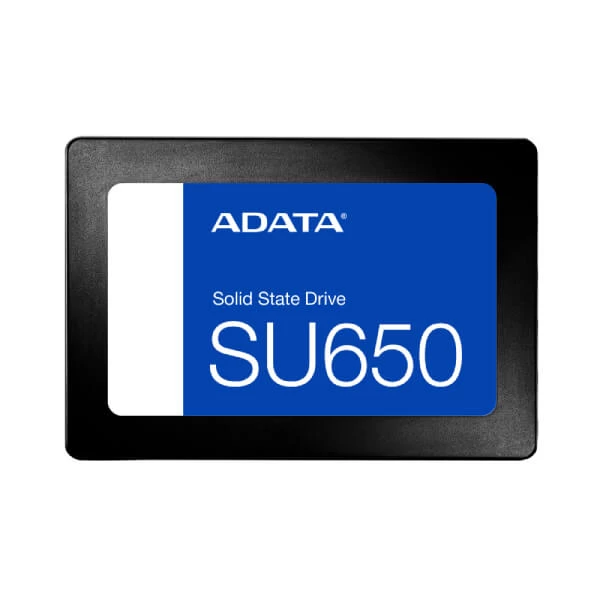
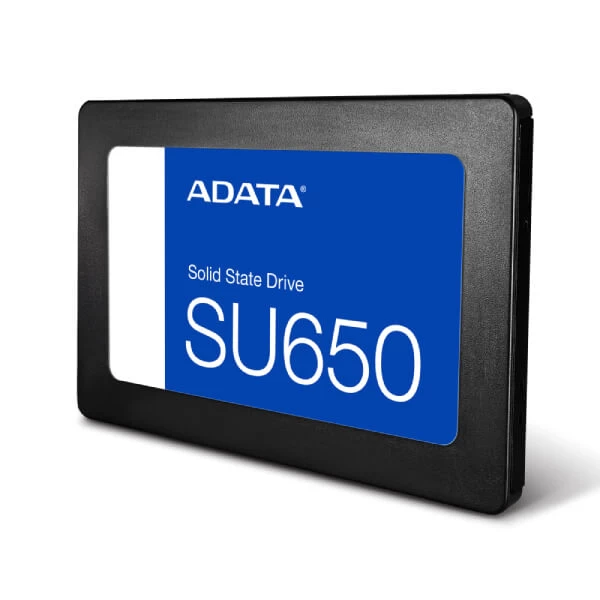
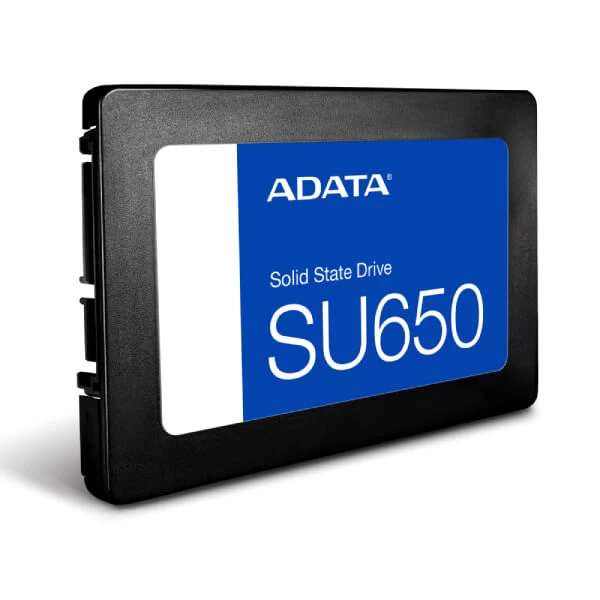
ADATA Ultimate SU650 256GB SATA III SSD
Upgrade your compatible desktop or laptop with solid-state storage. The ADATA Ultimate SU650 combines 256GB capacity, 3D NAND flash and SATA III connectivity for responsive everyday computing.
Key Highlights
Storage
256GB
Space for an operating system, essential applications and frequently used files.
Sequential Read
520MB/s
Manufacturer-rated maximum sequential read speed.
Sequential Write
450MB/s
Manufacturer-rated maximum sequential write speed.
Endurance
140TBW
Rated total bytes written for the 256GB capacity.
Introducing the ADATA Ultimate SU650 256GB SSD
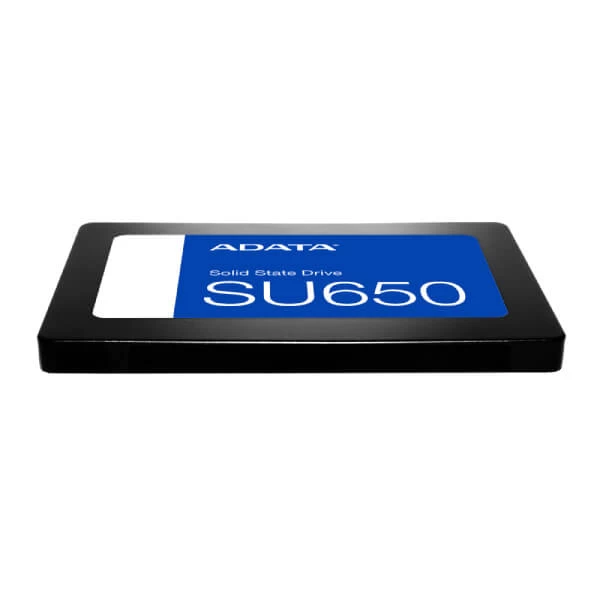
The ADATA Ultimate SU650 256GB is an internal solid-state drive designed for compatible desktop PCs and laptops. Its 2.5-inch, 7mm-thick design makes it suitable for systems that support a standard SATA drive.
With sequential read speeds up to 520MB/s and write speeds up to 450MB/s, the SU650 can improve everyday responsiveness compared with a traditional hard disk drive. Actual performance depends on the host system, workload and operating conditions.
Its 256GB capacity is a practical choice for operating systems, productivity software, frequently used applications and essential personal files. It is especially suitable for users looking for an affordable upgrade from mechanical storage.
Features and Technologies
3D NAND Flash
3D NAND flash technology provides solid-state storage and is designed to offer improved efficiency and reliability compared with 2D NAND.
SLC Caching
ADATA's SLC caching technology helps improve data-transfer performance during supported write operations.
Advanced Error Correction
Error-correction technology helps detect and correct data errors to support data integrity and drive reliability.
SATA III Interface
The SATA 6Gb/s interface supports installation in compatible systems with suitable SATA data and power connections.
SSD Toolbox
ADATA SSD Toolbox can help monitor drive health, remaining life, temperature and capacity, subject to supported functions and software compatibility.
Migration Utility
ADATA's Migration Utility is designed to assist with moving data from an existing drive to a compatible SSD setup.
A Straightforward Storage Upgrade
Replace a compatible mechanical hard drive with solid-state storage for quicker access to applications and files. The SU650 combines a compact 2.5-inch design, SATA III connectivity and 3D NAND technology in a practical 256GB upgrade.
Technical Specifications
| ADATA Ultimate SU650 256GB | |
|---|---|
| Brand | ADATA |
| Series | Ultimate SU650 |
| Model Number | ASU650SS-256GT-R |
| EAN | 4711085931511 |
| Capacity | 256GB |
| Form Factor | 2.5-inch, 7mm |
| Interface | SATA 6Gb/s (SATA III) |
| NAND Flash | 3D NAND |
| Sequential Read Speed | Up to 520MB/s |
| Sequential Write Speed | Up to 450MB/s |
| Dimensions (L × W × H) | 100.45 × 69.85 × 7mm |
| Weight | 50.8g |
| Operating Temperature | 0°C to 70°C |
| Storage Temperature | -40°C to 85°C |
| Shock Resistance | 1500G / 0.5ms |
| MTBF | Up to 2,000,000 hours |
| Terabytes Written (TBW) | 140TBW |
| Warranty | 3-year limited warranty, subject to ADATA warranty terms and regional conditions |
Performance figures are manufacturer-rated maximums and may vary with system configuration, software, workload and other operating conditions. TBW represents rated write endurance, not a guarantee of a particular service life.
Ideal Use Cases
Desktop PC Upgrades
Add solid-state storage to compatible desktop systems for operating systems, applications and everyday files.
Compatible Laptops
Upgrade laptops that support a 2.5-inch SATA drive with a compatible 7mm drive bay.
Everyday Productivity
Suitable for office applications, browsing, documents and general home or work computing.
Secondary Storage
Use as an additional internal drive for frequently accessed applications, media and personal files.
Before You Buy or Install
- Confirm that your desktop or laptop supports a 2.5-inch SATA SSD and has the required SATA data and power connections.
- This is a SATA SSD, not an M.2 NVMe drive. It cannot directly replace an M.2-only storage device.
- Check the physical clearance and 7mm drive-height compatibility of your system.
- Back up important data before replacing a drive or migrating your operating system.
- Actual transfer speeds depend on the SATA controller, system configuration, workload and operating conditions.
- Check the applicable warranty terms and regional coverage before purchase.
Frequently Asked Questions
Build Your PC with Confidence
Find the right power supply and compatible hardware for your next PC build. Explore PC components at Clarion Computers.