


Samsung ViewFinity S7 Series
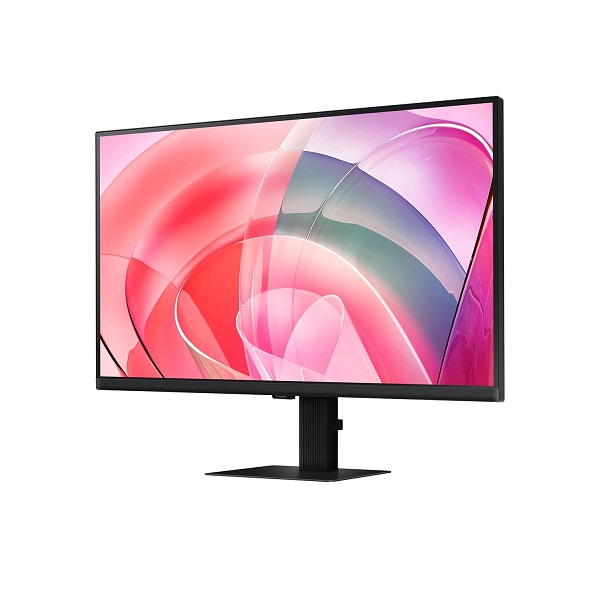
Samsung ViewFinity S7 27-Inch 4K UHD Monitor
Enjoy sharp 4K detail, accurate-looking visuals and comfortable everyday viewing with the Samsung ViewFinity S7 LS27D700EAWXXL. Its 27-inch IPS display is designed for productivity, creative tasks and high-resolution entertainment.
Key Highlights
4K UHD Clarity
The 3840 × 2160 resolution provides detailed images and extra workspace for documents, creative projects and multitasking.
IPS Display
IPS technology and wide viewing angles help keep visuals consistent when viewing the screen from different positions.
HDR10 Support
HDR10 compatibility allows supported content to deliver a wider range of visual detail when the content and settings support HDR.
Eye Comfort
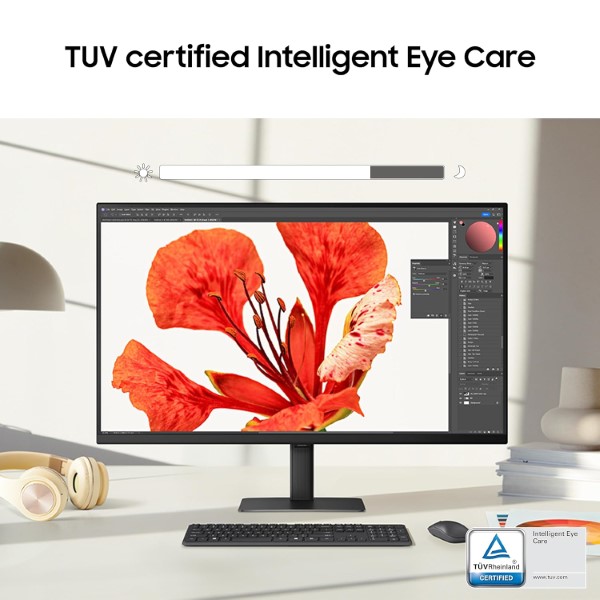
Eye Saver Mode and Flicker Free technology are designed to support a more comfortable viewing experience during extended use.
Product Overview
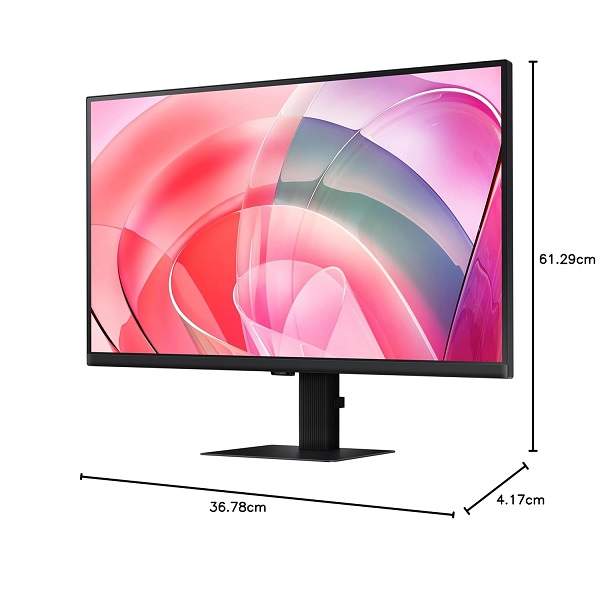
The Samsung ViewFinity S7 LS27D700EAWXXL is a 27-inch flat monitor built around a 4K UHD IPS panel. Its 3840 × 2160 resolution delivers fine detail for spreadsheets, high-resolution images, design work, video playback and everyday computing.
The 16:9 screen format suits standard desktop setups, while HDR10 support adds compatibility with HDR-enabled media. A 60Hz refresh rate and 5ms response time make this model a practical choice for general productivity, study, office use and entertainment rather than a high-refresh-rate gaming display.
Detailed Visuals for Work and Entertainment
With four times the pixel count of Full HD, 4K UHD resolution gives text, images and compatible video content a high level of detail. The IPS panel and 178° horizontal and vertical viewing angles make the monitor suitable for a range of desk arrangements.
HDR10 support provides compatibility with HDR content. Actual HDR results depend on the source material, application and display settings.
Productivity and Convenience Features
Picture-in-Picture
Picture-in-Picture support lets you display a secondary source in a smaller window when supported by the connected devices and monitor settings.
Picture-by-Picture
Picture-by-Picture can display content from two connected sources side by side, helping with compatible multi-device workflows.
Auto Source Switch+
Auto Source Switch+ helps detect a newly connected input source and switch the display to it.
Eye Saver Mode
Eye Saver Mode reduces blue-light output to support a more comfortable viewing experience during extended screen sessions.
Designed for Everyday Comfort
Samsung's Eye Saver Mode and Flicker Free technology are designed to help reduce common sources of viewing discomfort. These features can be useful for office work, online learning, reading and long productivity sessions. Individual comfort will vary with brightness, room lighting, viewing distance and usage habits.
Technical Specifications
Who Is This Monitor For?
Office and Productivity
Useful for documents, spreadsheets, web research and managing multiple windows at high resolution.
Creative Work
The 4K panel provides detailed workspace for photo viewing, design tasks and high-resolution content review.
Home Entertainment
Enjoy compatible 4K video and HDR10 content on a large, high-resolution desktop display.
Before You Buy
- For 4K output at 60Hz, make sure your computer, graphics hardware and cable support the required resolution and refresh rate.
- This is a 60Hz productivity-oriented monitor, not a high-refresh-rate gaming monitor.
- HDR performance depends on the content, source device and display settings.
- Check the exact regional model and supplied accessories with the seller before purchase.
Frequently Asked Questions
What is the resolution of the Samsung LS27D700EAWXXL?
It features a 4K UHD resolution of 3840 × 2160 pixels.
What is its refresh rate?
The monitor supports a refresh rate of up to 60Hz.
Does it support HDR?
Yes. HDR10 is supported for compatible content.
Which display connections are available?
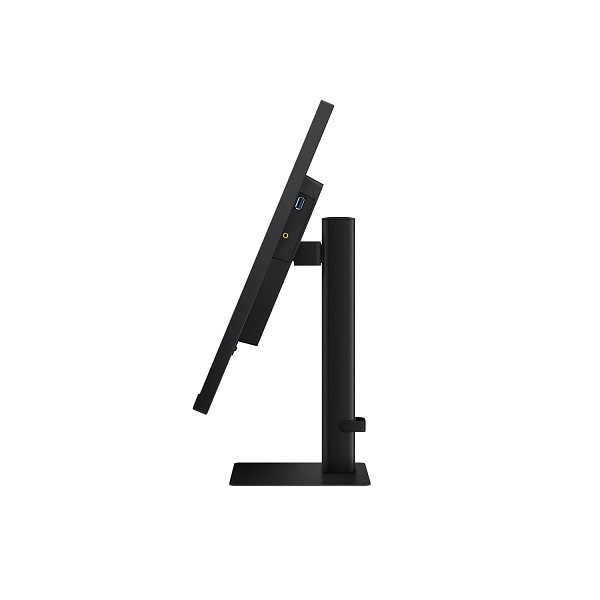
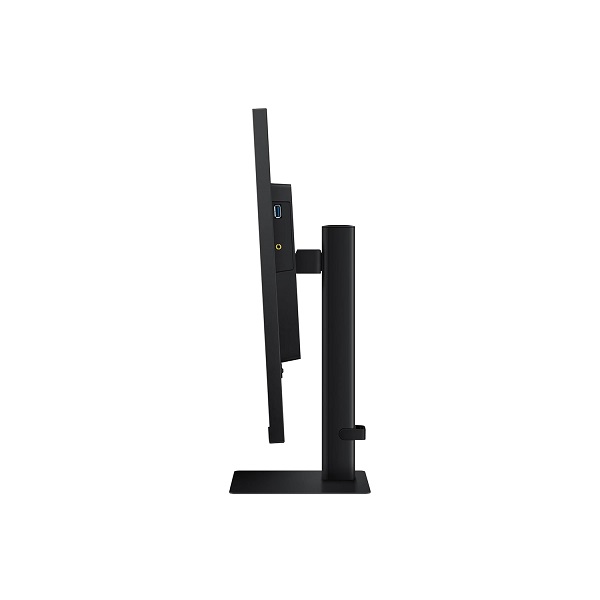
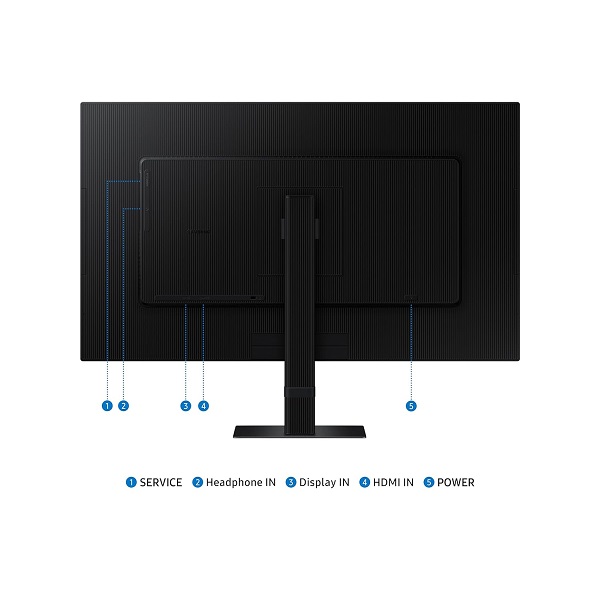
The listed connections include HDMI 2.0 and DisplayPort 1.2. Check the exact regional product specification for the complete port details.
Is this monitor suitable for office work?
Yes. Its 27-inch 4K IPS display is well suited to office tasks, study, multitasking and general productivity.
Build Your Next Gaming PC
Find the essential components for your next PC build with Clarion Computers. Explore quality components to create a setup that matches your performance goals and budget.