
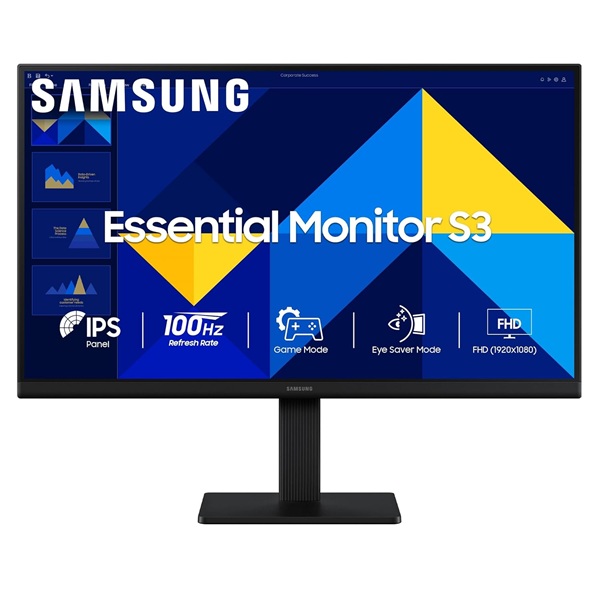
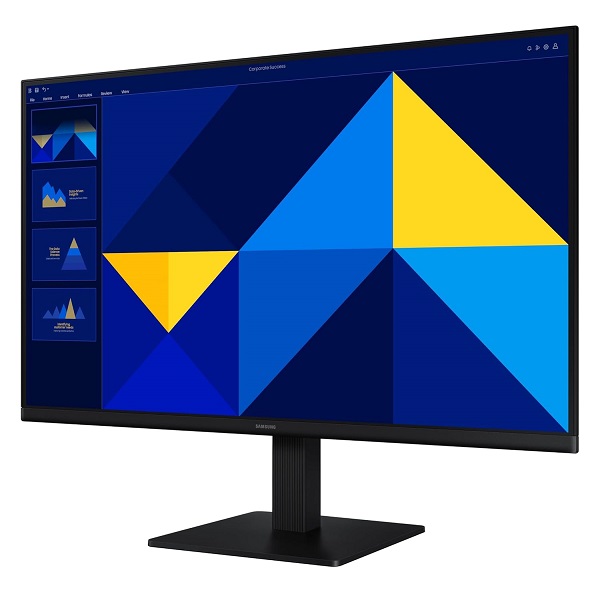


Samsung Essential Monitor S3 Series
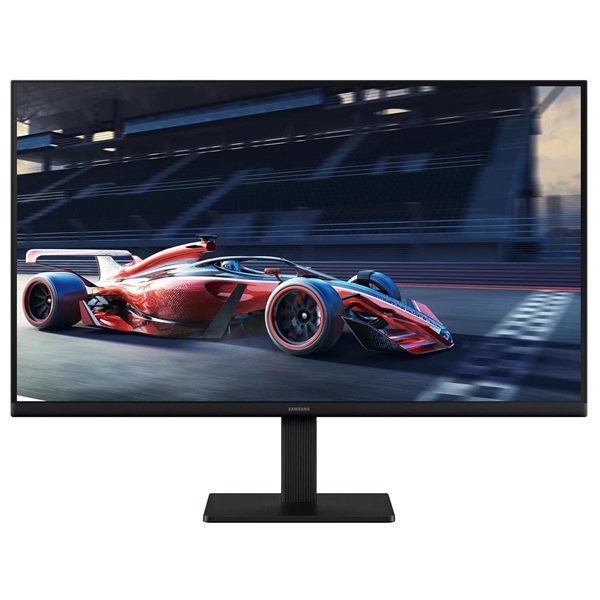
Samsung Essential S3 24-Inch Full HD IPS Monitor
Enjoy clear Full HD visuals and smooth everyday performance with the Samsung Essential Monitor S3 LS24D300GAWXXL. Its 24-inch-class IPS display, 100Hz refresh rate and eye-care features make it a practical choice for work, study and entertainment.
Key Highlights
Full HD Resolution
The 1920 × 1080 resolution delivers clear visuals for documents, browsing, online learning and everyday entertainment.
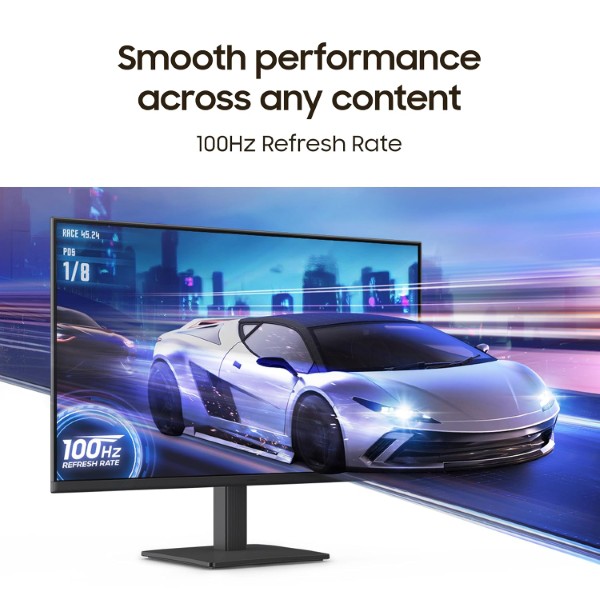
100Hz Refresh Rate
A refresh rate of up to 100Hz provides smoother motion when scrolling, watching videos and playing compatible games.
IPS Display
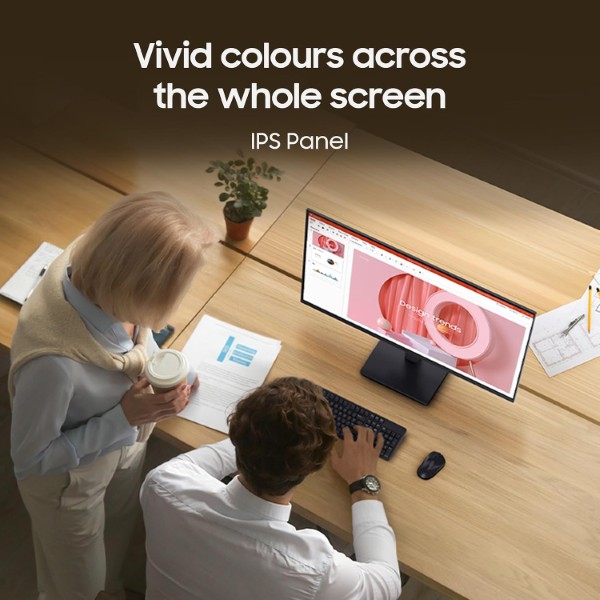
IPS technology provides consistent-looking colours and wide viewing angles for comfortable everyday viewing.
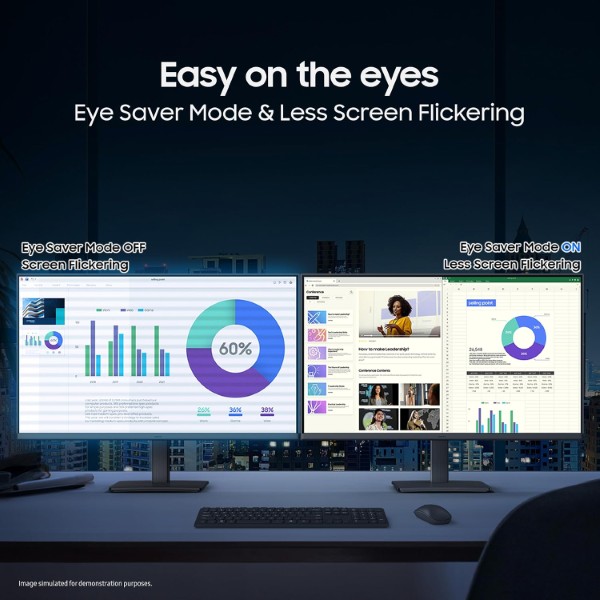
Eye Comfort
Eye Saver Mode and Flicker Free technology are designed to support a more comfortable viewing experience during extended sessions.
Product Overview
The Samsung Essential Monitor S3 LS24D300GAWXXL is a 24-inch-class Full HD monitor designed for dependable everyday computing. Its IPS panel and 1920 × 1080 resolution make it suitable for office applications, online classes, web browsing, document editing and video streaming.
The 100Hz refresh rate offers smoother motion than a standard 60Hz display when configured to the supported refresh rate. The monitor also features a slim three-sided borderless design, HDMI and VGA inputs, and practical viewing-comfort features for daily use.
Clear Visuals and Smooth Everyday Performance
The Full HD IPS display produces detailed images for routine computing and entertainment. Its 16:9 aspect ratio works well with common desktop applications and video content, while 178° horizontal and vertical viewing angles help maintain a consistent view from different positions.
The monitor supports a maximum refresh rate of 100Hz. Samsung notes that the default refresh rate is 60Hz and can be adjusted to 100Hz in the monitor settings when the connected system supports it.
Everyday Productivity Features
Three-Sided Borderless Design
The slim bezel design gives the monitor a clean, modern appearance and can help create a more continuous look in multi-monitor arrangements.
Game Mode
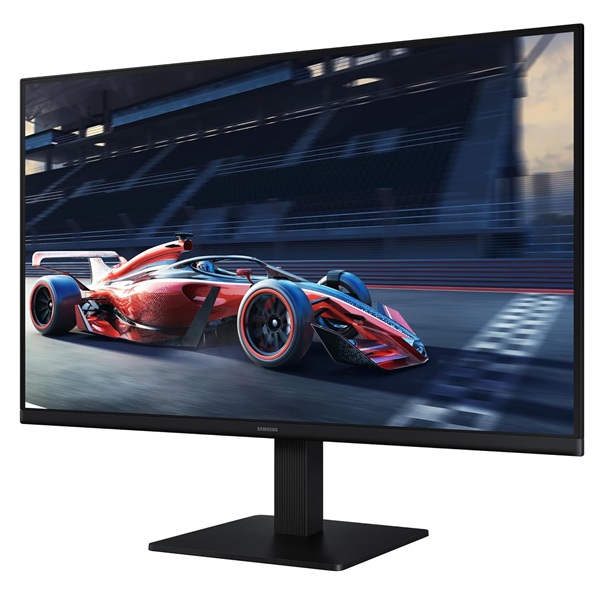
Game Mode adjusts image settings to make details and contrast more visible in supported gaming scenarios.
Image Size
Image Size provides an additional display setting for adjusting how compatible content is presented on screen.
Off Timer Plus
Off Timer Plus offers a convenient way to schedule the monitor to switch off.
Designed for Everyday Viewing Comfort
Samsung Eye Saver Mode reduces blue-light output, while Flicker Free technology is designed to reduce screen flicker. These features can be helpful during office work, studying, reading and extended browsing sessions. Individual comfort depends on brightness, room lighting, viewing distance and usage habits.
Technical Specifications
Who Is This Monitor For?
Office and Productivity
A practical display for spreadsheets, documents, email, web browsing and everyday office applications.
Study and Online Learning
The Full HD IPS panel and eye-care features make it suitable for online classes, reading and research.
Everyday Entertainment
Enjoy videos, casual games and daily media with smooth 100Hz refresh support on compatible systems.
Before You Buy
- The monitor supports up to 100Hz; confirm that your connected device and selected settings support the desired refresh rate.
- It has HDMI and VGA inputs. Check that these match the available outputs on your computer.
- Built-in speakers and a headphone output are not listed for this model, so external audio equipment may be needed.
- The stand supports tilt adjustment; height adjustment is not listed in the official specifications.
Frequently Asked Questions
What is the resolution of the Samsung LS24D300GAWXXL?
It features Full HD resolution of 1920 × 1080 pixels.
What is the maximum refresh rate?
The monitor supports up to 100Hz. The default refresh rate is 60Hz and can be adjusted in the monitor settings when supported by the connected system.
Does it have an IPS panel?
Yes. It uses an IPS panel with 178° horizontal and vertical viewing angles.
Which connectivity options are available?
The monitor includes one HDMI 1.4 port and one VGA (D-Sub) input.
Does this monitor have built-in speakers?
No. Samsung's listed specifications do not include built-in speakers or a headphone output.
Build Your Next Gaming PC
Find the essential components for your next PC build with Clarion Computers. Explore quality components to create a setup that matches your performance goals and budget.