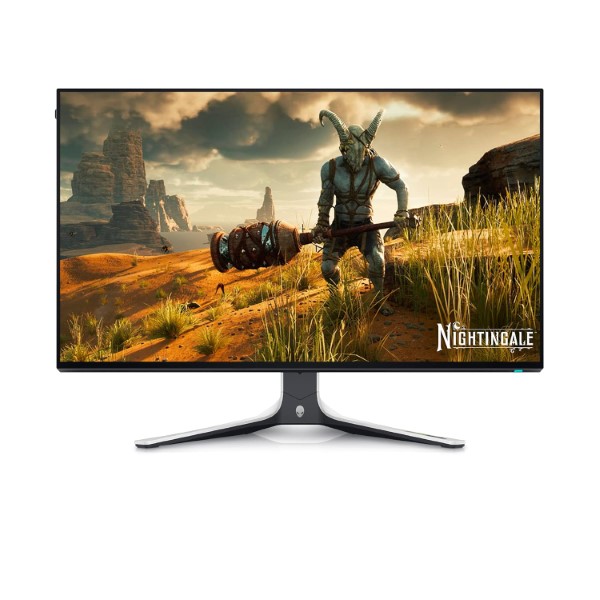
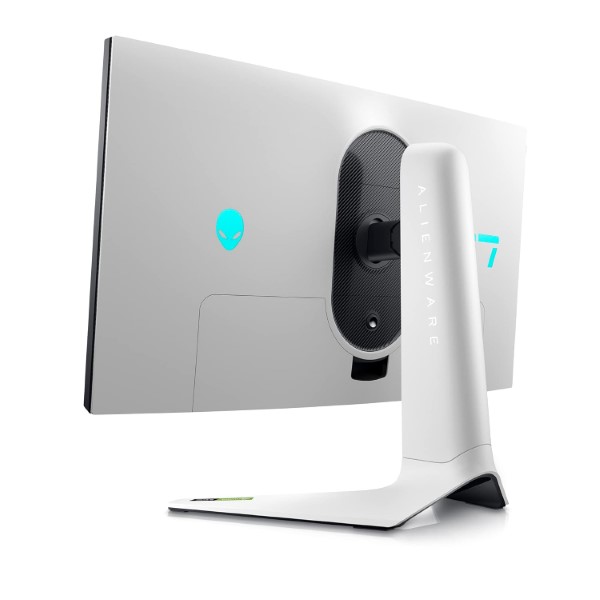
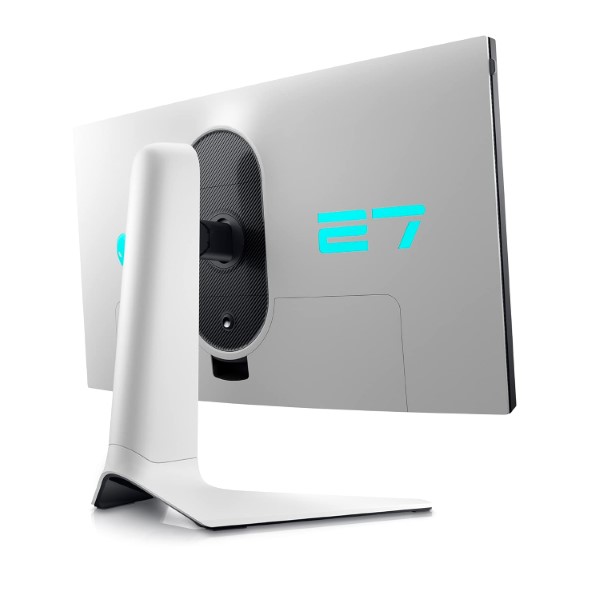
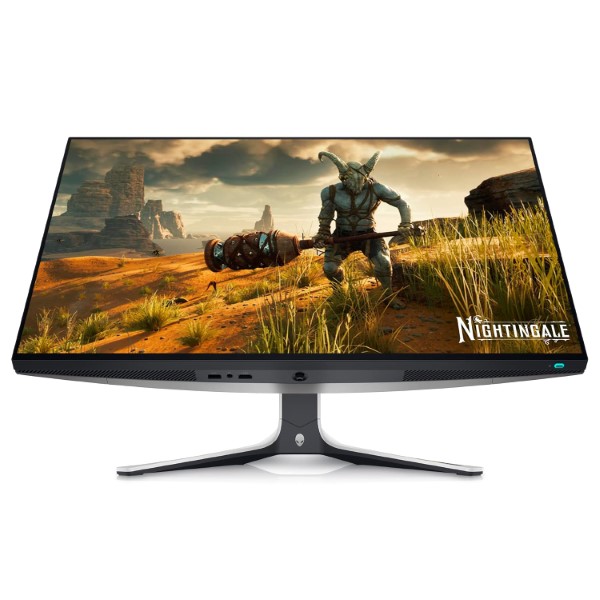
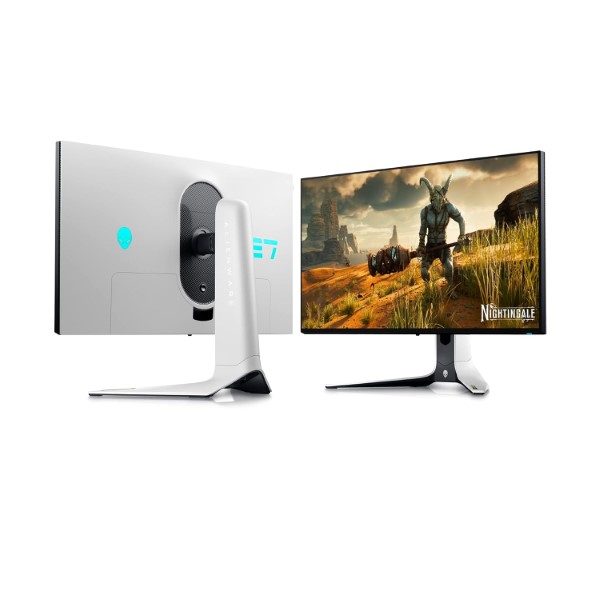
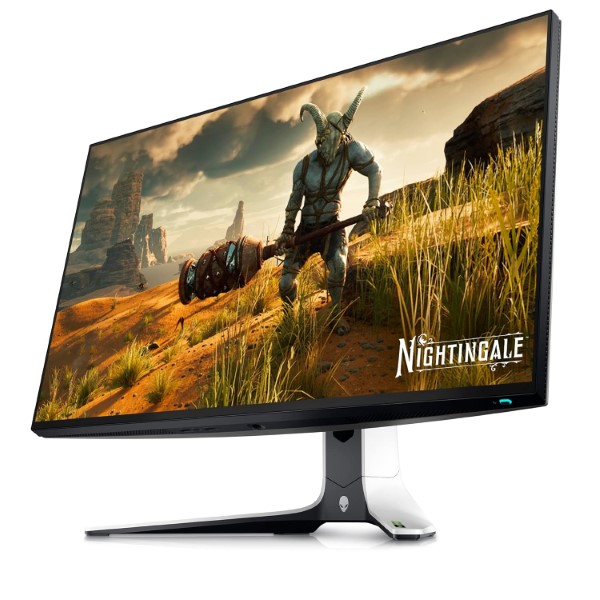
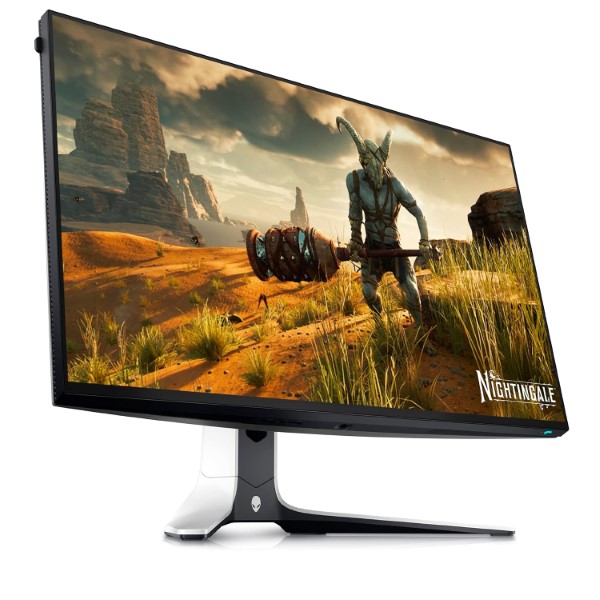
Alienware AW2723DF 27-inch QHD 240hz (280hz OC) 1ms IPS Panel Gaming Monitor (White)
Powerful Performance for Immersive Action
- Blitz your competition with the Alienware AW2723DF 27″ 1440p 280Hz Gaming Monitor in lunar light from Alienware. Sporting a 27″ IPS panel with a 2560 x 1440 resolution, this monitor boasts 1.07 billion colors, 100% sRGB and 95% DCI-P3 coverage, and a 1000:1 static contrast ratio for vivid detail and immersion.
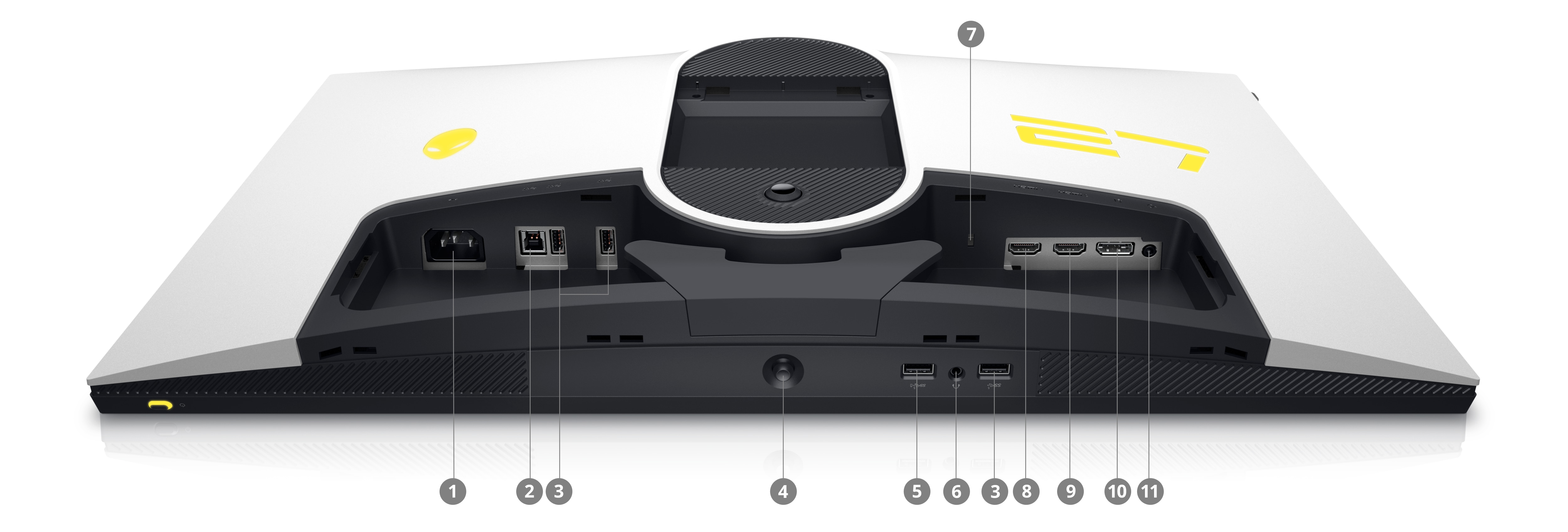
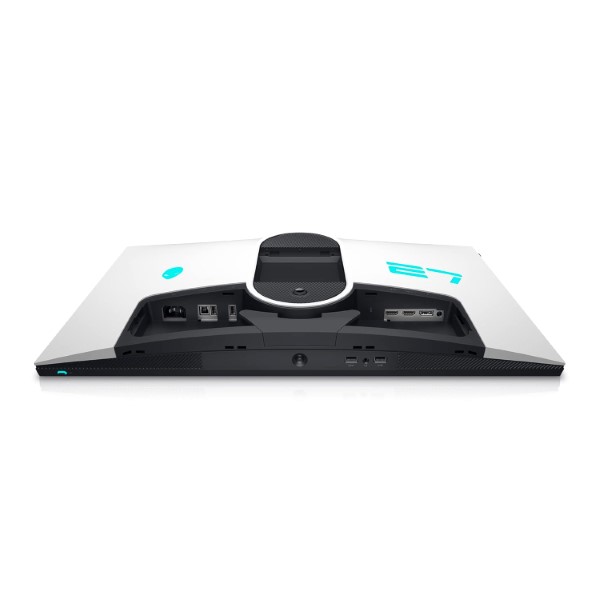
- Connect to hosts via a DisplayPort and two HDMI interfaces. Connect wired peripherals via an integrated hub comprised of four USB-A 3.2 Gen 1 ports, including one with charging support for your smartphone or tablet.
Geared to Game Built for Speed
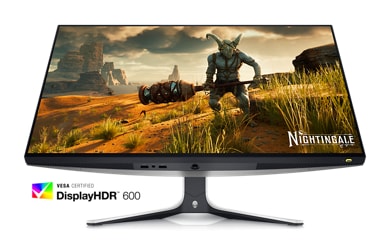
Alienware AW2723DF Featuring AMD FreeSync Premium Pro and Adaptive-Sync and compatible with NVIDIA G-Sync, this monitor enables smooth on-screen action for immersive gaming. A 1 ms (GtG) response time ensures you stay abreast of the action. Plus, take advantage of a 144 or 240 Hz refresh rate via HDMI and DisplayPort, respectively; when overclocked, the DisplayPort connection supports refresh rates up to 280 Hz.
Choose Your View with AlienVision Custom Overlays
- The revamped OSD layout hinges on a centralized joystick and allows for easy navigation of the monitor’s settings and features, including AlienVision. Choose from four custom hardware-based overlays designed to enhance your visual experience in real-time.
- Alienware AW2723DF comes with Night Vision that helps increase visibility by improving both clarity and contrast during dark scenes in games. Clear Vision enhances sharpness and clarity by removing obstructive elements like smoke, haze or mist. Use Chroma Vision to apply a heatmap to your game based on a thermal palette; Crosshair Vision assists the in-game aiming by being always visible, making it easier to hit your target every time.
Designed to Distinguish
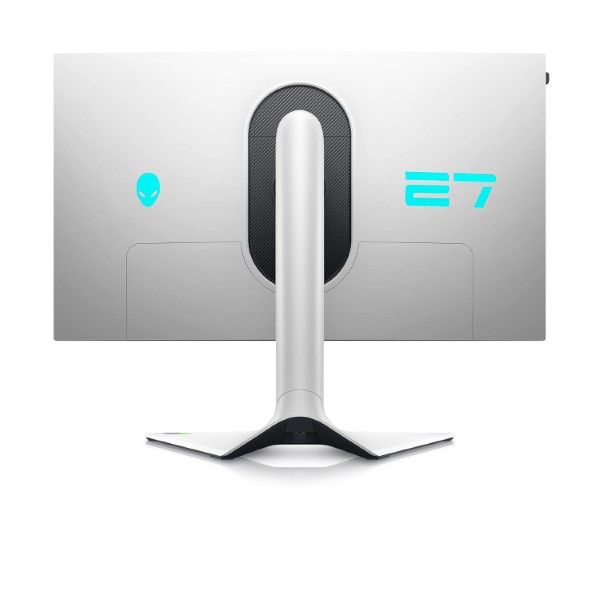
The Alienware AW2723DF 27 Gaming Monitor is intended to be a work of art with bold features including the iconic Legend 2.0 design and AlienFX lighting signature. Stay cool when the action heats up with 360° ventilation. Integrated cable management keeps your battle station organized, while the tilting, swiveling, rotating, and height-adjusting stand ensures the optimal viewing position.
Innovative Headset Hanger
Conserve desk space and keep your cans at the ready with a hanger that slides in and out of the monitor frame with just a push.
Versatile Color and Picture Modes for Increased Productivity
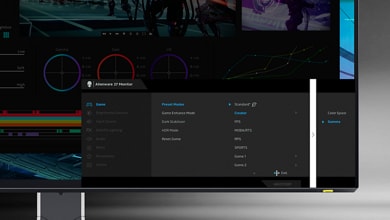
For content creators and game developers who require precise color-critical work, Creator Mode lets you choose between native DCI-P3 or sRGB color spaces and adjust gamma settings for optimal color depending on your work needs.Picture-in-Picture (PiP) and Picture-by-Picture (PbP) functionality lets you view two computer sources simultaneously for next-level multi-tasking.
Easy on the Eyes
Settle in for marathon gaming sessions with optimized eye comfort on this flicker-free and TÜV-certified monitor. ComfortView Plus provides always-on built-in low-blue-light filtering that reduces blue light emissions without impacting color accuracy.
USB 3.2 Gen 1
USB 3.2 Gen 1 features a maximum throughput of 5 Gb/s and is synonymous with USB 3.1 Gen 1 and USB 3.0.