Welcome to Clarion Computers Pvt. Ltd

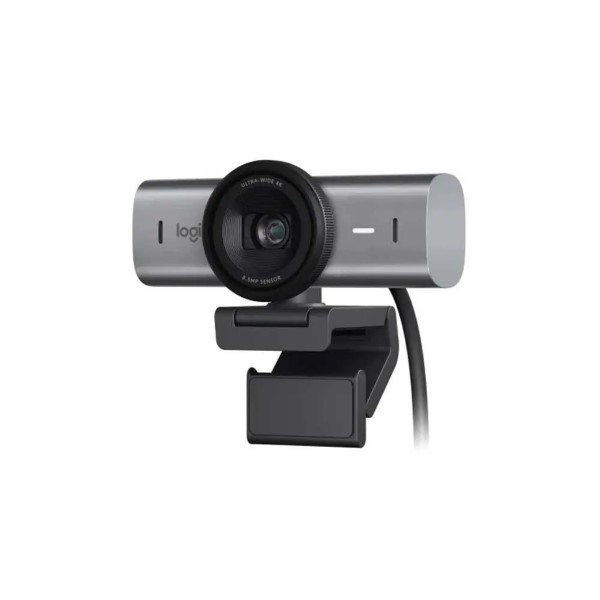
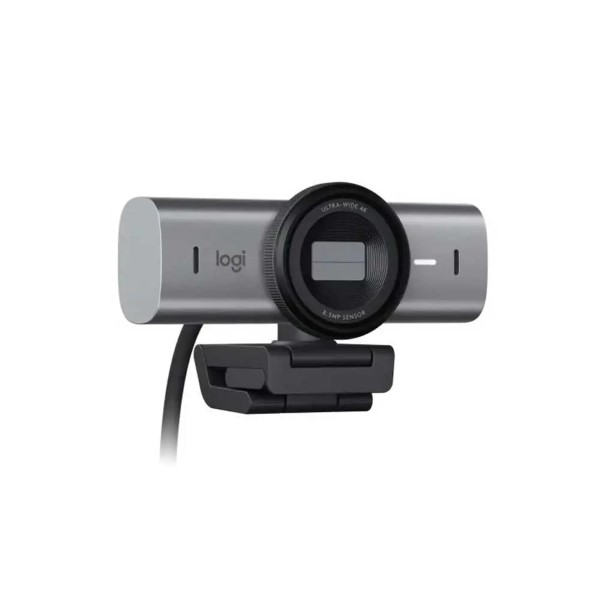
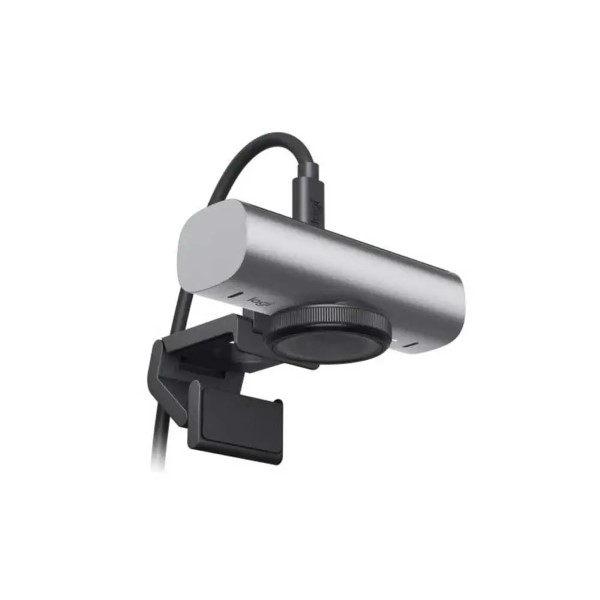
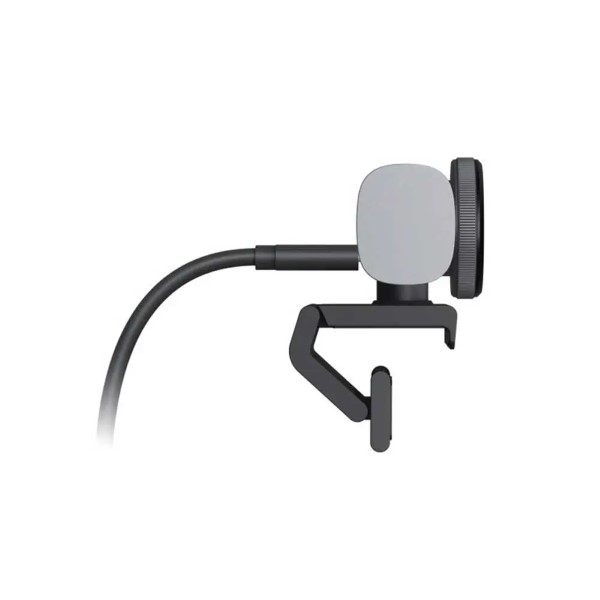
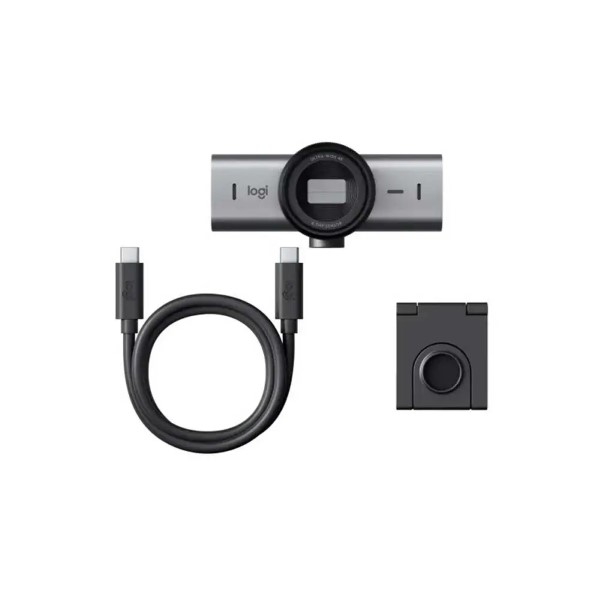
Logitech MX Brio 4K Ultra HD Webcam
In stock
Out of stock
₹16,990.00

- 960-001548
- Logitech MX Brio 4K, Logitech MX Brio 4K Web
FAQs
Yes, we provide GST billing for all eligible purchases. You will receive a GST invoice with your order.
Yes, this product includes official brand warranty as per the manufacturer’s terms.
Yes, EMI options (including No-cost EMI on select cards) may be available at checkout depending on your bank and order value.
Orders placed before the daily cut-off time are dispatched the same day (working days). Actual delivery time depends on your pincode.
| Webcam Only | Height: 44 mm |
| Width: 98 mm | |
| Depth: 36 mm | |
| Weight without clip: 137 g | |
| Webcam With Mount (closed) | Height: 62 mm |
| Width: 98 mm | |
| Depth: 52 mm | |
| Weight with mount clip: 176 g | |
| Mounting Clip | Height: 20 mm |
| Width: 38 mm | |
| Depth: 45 mm | |
| Packaging | Height: 141 mm |
| Width: 136 mm | |
| Depth: 68 mm | |
| Total weight (with product): 362 g | |
| Multiple Resolutions | 4K/30fps (3840×2160 pixels) |
| 1080p/60fps (1920×1080 pixels) | |
| Focus type: Advanced Autofocus | |
| Lens type: Glass | |
| Built-In Microphone Type | Dual Beamforming microphone for noise reduction |
| Mic range: Up to 1.2 m | |
| Diagonal field of view (dFoV) | 90°/78°/65° |
| Image Sensor | 8.5MP Sony STARVIS |
| Hardware Zoom | 4x digital zoom |
| Built-in privacy shutter | Yes |
| Connectivity | Detachable USB-C to USB-C cable, supporting USB 3.0 standard |
| Cable Length | 1.5m |
| Detachable universal mounting clip | fits laptops, LCD displays, or monitors |
| Tripod Thread | Standard ¼” inch thread to mount on tripods |
| RightLight 5 with face-based image enhancement | auto-focus, HDR, white balance, exposure, for a clear image in various lighting environments ranging from low light to direct sunlight |
| Show Mode | Yes |
| Fine Image Controls | with optional Logi Options+ or G HUB software |
| What You Need | USB-C port supporting the USB 3.0 standard |
| Logi software on macOS and Windows | |
| Compatibility | Windows 10 or later |
| macOS 10.15 or later | |
| Chrome OS 2Basic webcam support using the USB Video Class (UVC) standard. No Logitech software for other systems than Windows and macOS | |
| Linux | |
| Certified For | Microsoft Teams, Zoom, Google Meet, Works With Chromebook, Streamlets |
| Works With | Zoom, Teams, WebEx, Skype, FaceTime, Google Meet, Streamlabs, OBS |
| In The Box | MX Brio |
| Mount clip with removable adapter | |
| USB-C to C 3.0 cable | |
| User documentation | |
| Warranty | 1 Year |
| Note** | **Prices, Specifications & Features are subject to change without notice |
- ...
- ...